Operation manual SR25
February 2017 Page 12
Coffed BDH | ul. Ceramiczna 28 | 64-920 Piła PL | tel+48 67 214 26 29 | www.coffed.pl
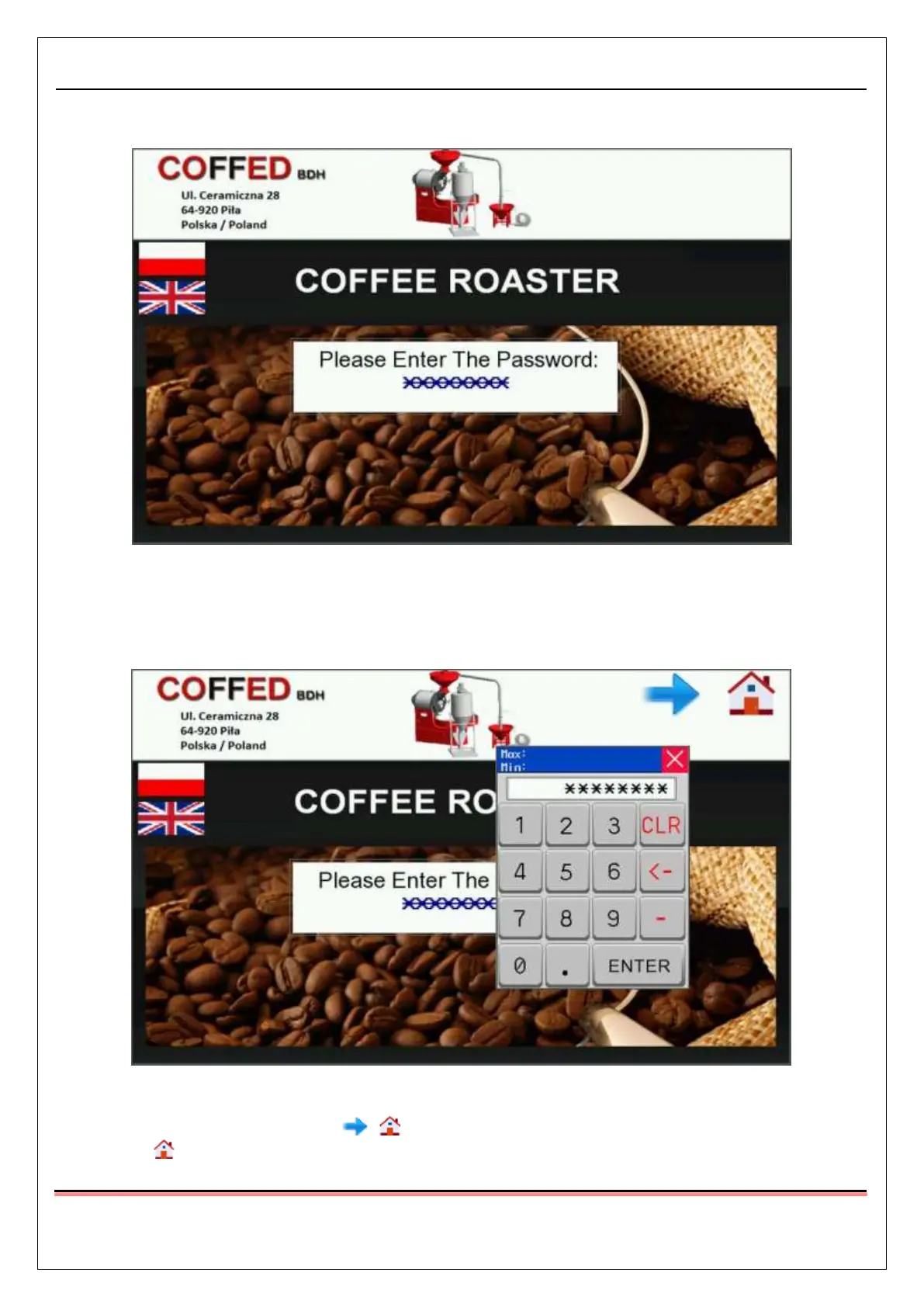
3.1.1. Operator’s password screen
Pic.10 Operator’s password screen
The operator’s password screen is visible after turning the machine on. The operator needs to insert a four
letter password in order to start working with the appliance. The password should not be given to
unauthorized personnel.
Pic.11 Operator’s password screen – inserting the password
After the correct password is inserted icons will show up in the right top corner of the screen. After
pressing the icon, the coffee line’s start screen will be displayed. The operator’s password screen will
not be accessible until the next startup of the line.



 To Next Page