Operation manual SR25
February 2017 Page 17
Coffed BDH | ul. Ceramiczna 28 | 64-920 Piła PL | tel+48 67 214 26 29 | www.coffed.pl
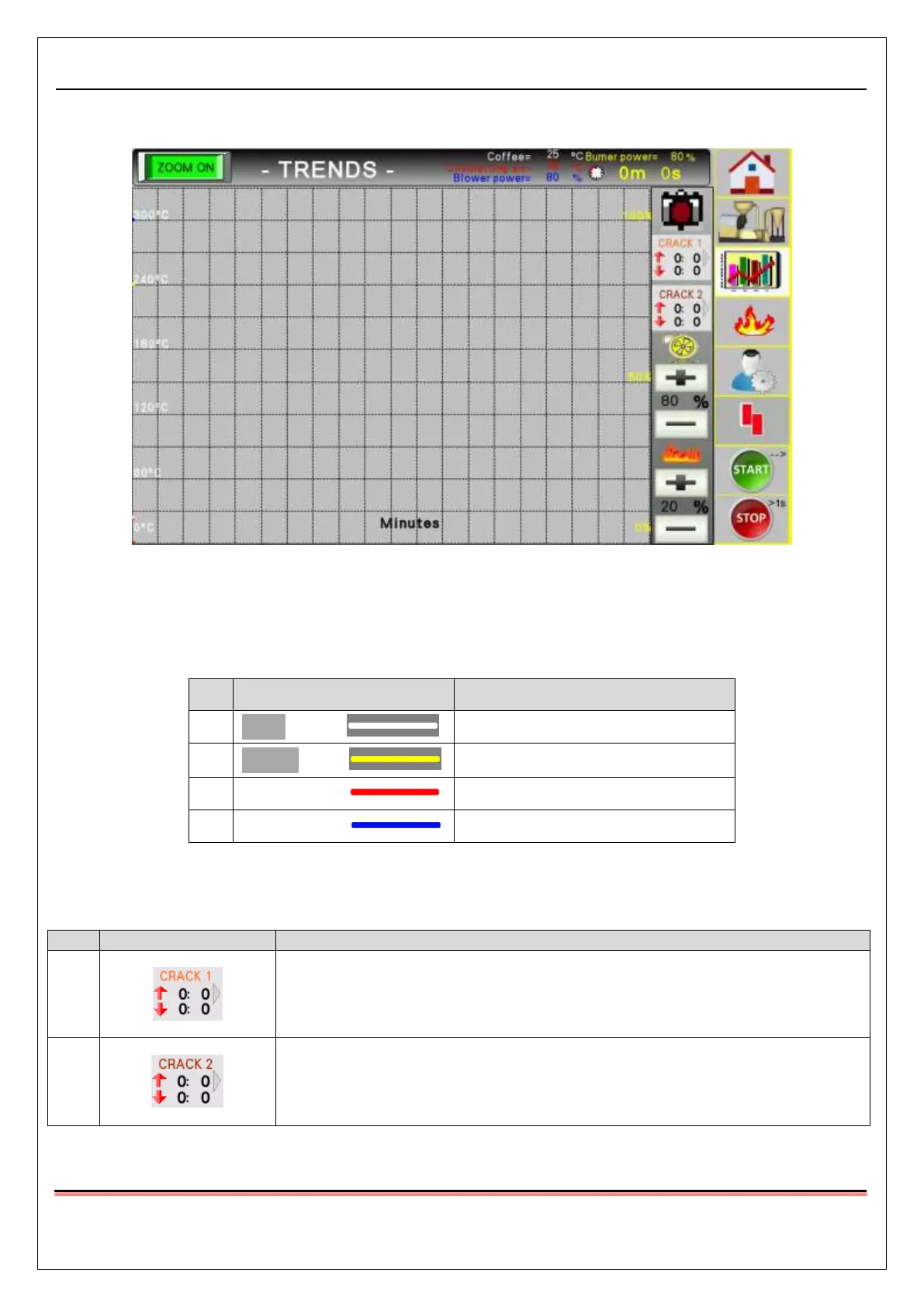
3.1.4. Roast charts screen
Pic.15 Roast charts screen
This screens enables to monitor the different parameters of the roasting process. The following data about
the current roast is displayed in relation to the time that has passed since putting the green coffee into the
drum:
Exhaust fumes temperature
Table.2 Roast chart parameters list
The following buttons, that allow to control the roasting proces are also on this screen
Pressing this button for the first time, allows to indicate the start of the “first
crack” phase on the chart, pressing it for the second time indicates the end
of this phase.
Pressing this button for the first time, allows to indicate the start of the
“second crack” phase on the chart, pressing it for the second time indicates
the end of this phase.



 To Next Page