Operation manual SR25
February 2017 Page 22
Coffed BDH | ul. Ceramiczna 28 | 64-920 Piła PL | tel+48 67 214 26 29 | www.coffed.pl
In order to change the power of the burner and exhaust fan for the selected temperature the operator
needs to press the appropriate field and enter the requested value.
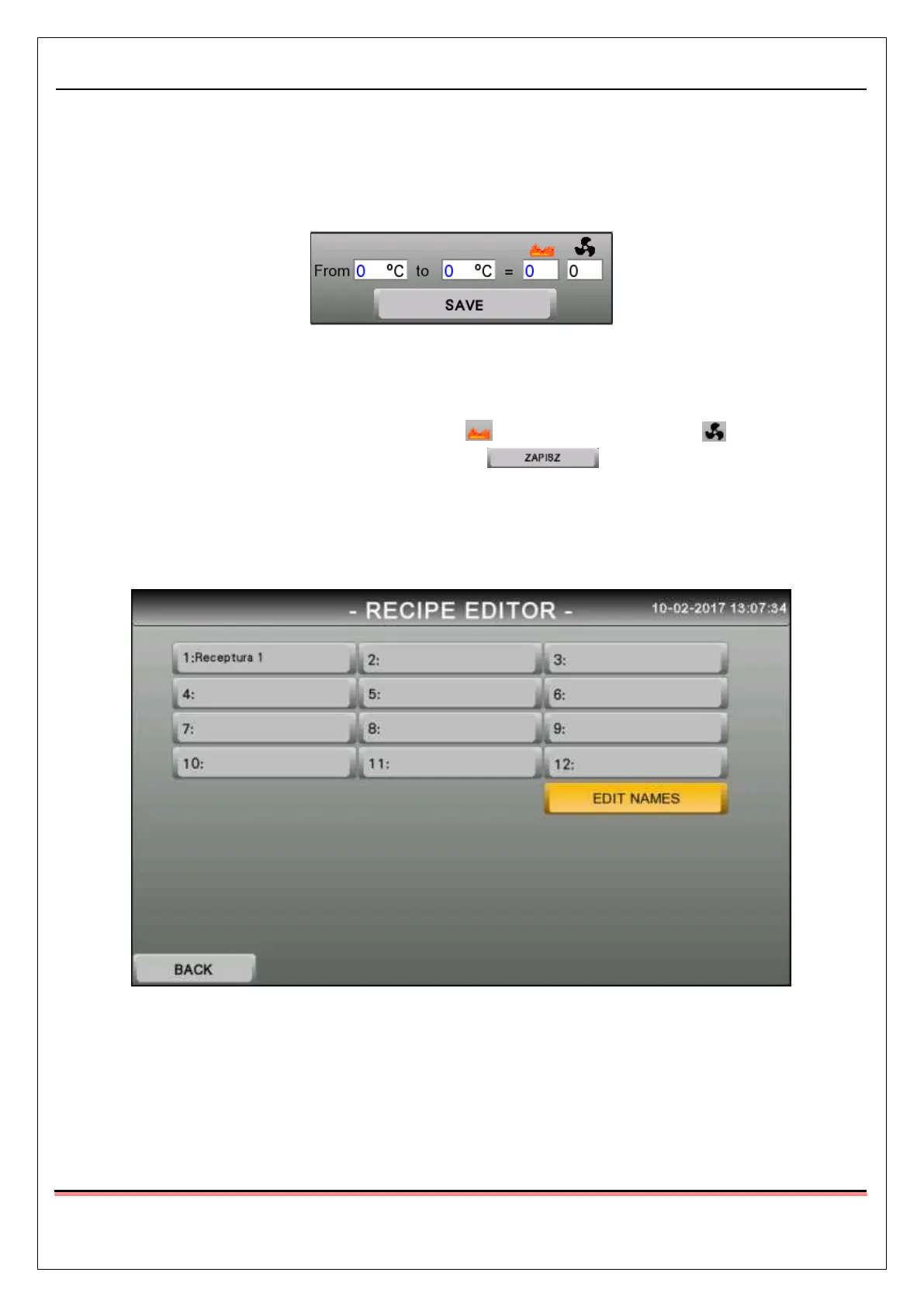
The Collective edition field, that is located on the Recipe preview screen 4 helps to speed up making of the
changes.
Pic.22 Collective edition field
The Collective edition field allows the operator to make changes in the recipe in the selected range of
temperatures. First the operator needs to input the range of the temperatures in which the changes should
be made, than the desired values of the burner power and the exhaust fan power need to be input
in the fields under the mentioned symbols. After that, the button needs to be pressed in
order to save the changes.
3.1.5.2 Recipe edition
After pressing the Edit button on the Recipe selection screen, the Recipe editor start screen will open
Pic.23 Recipe editor start screen



 To Next Page