Operation manual SR25
February 2017 Page 14
Coffed BDH | ul. Ceramiczna 28 | 64-920 Piła PL | tel+48 67 214 26 29 | www.coffed.pl
– go to the start screen
– go to the roasting screen
– go to the roast charts screen
– go to the recipe selection and edition screen
– go to the service screen
– go to the faults and errors screen
– start roasting in automatic mode
– open drum in automatic mode (hold for one second)
– stop roasting in automatic mode (hold for one second)
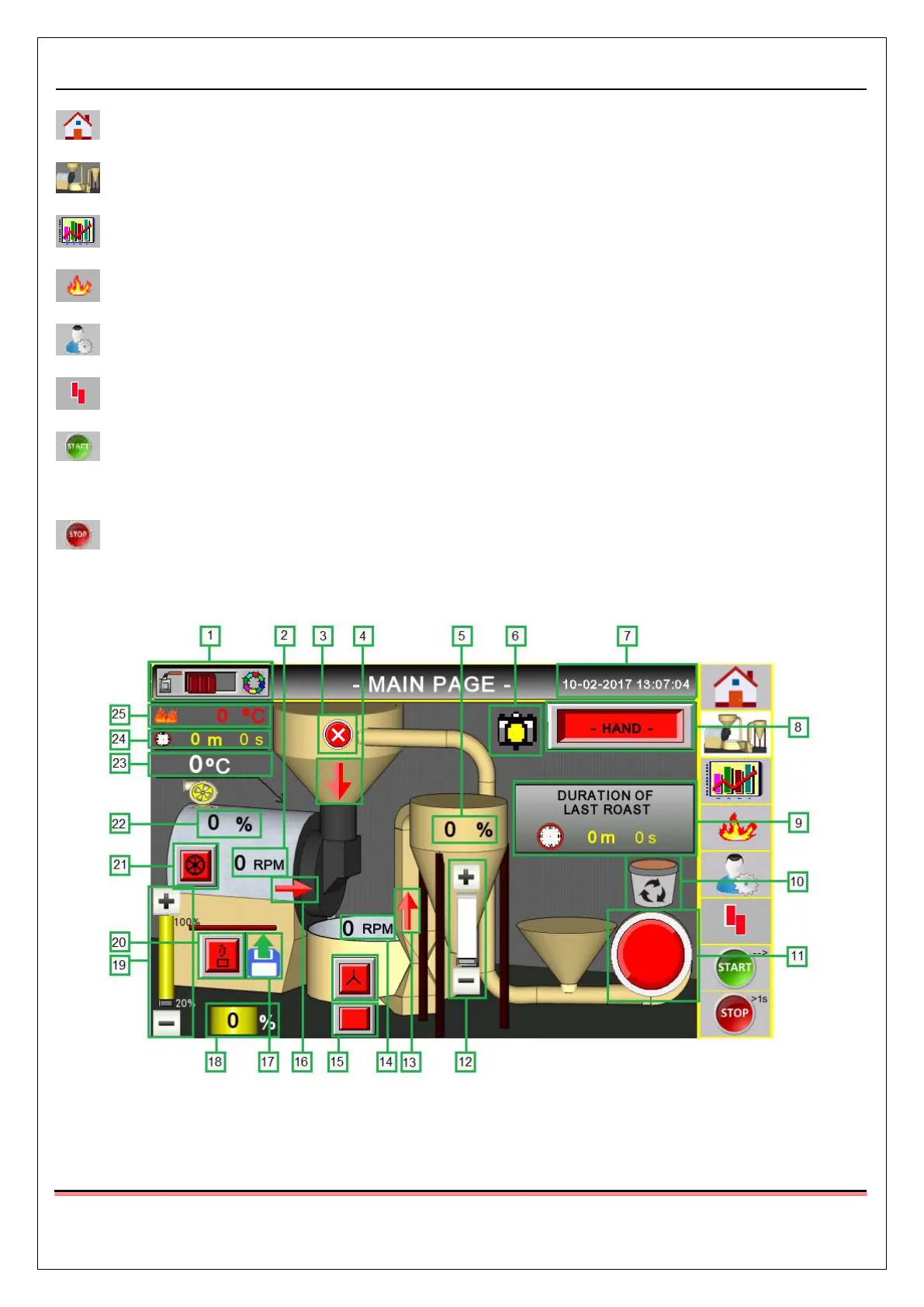
3.1.3. Roasting screen
Pic.14 Roasting screen



 To Next Page