Operation manual SR25
February 2017 Page 13
Coffed BDH | ul. Ceramiczna 28 | 64-920 Piła PL | tel+48 67 214 26 29 | www.coffed.pl
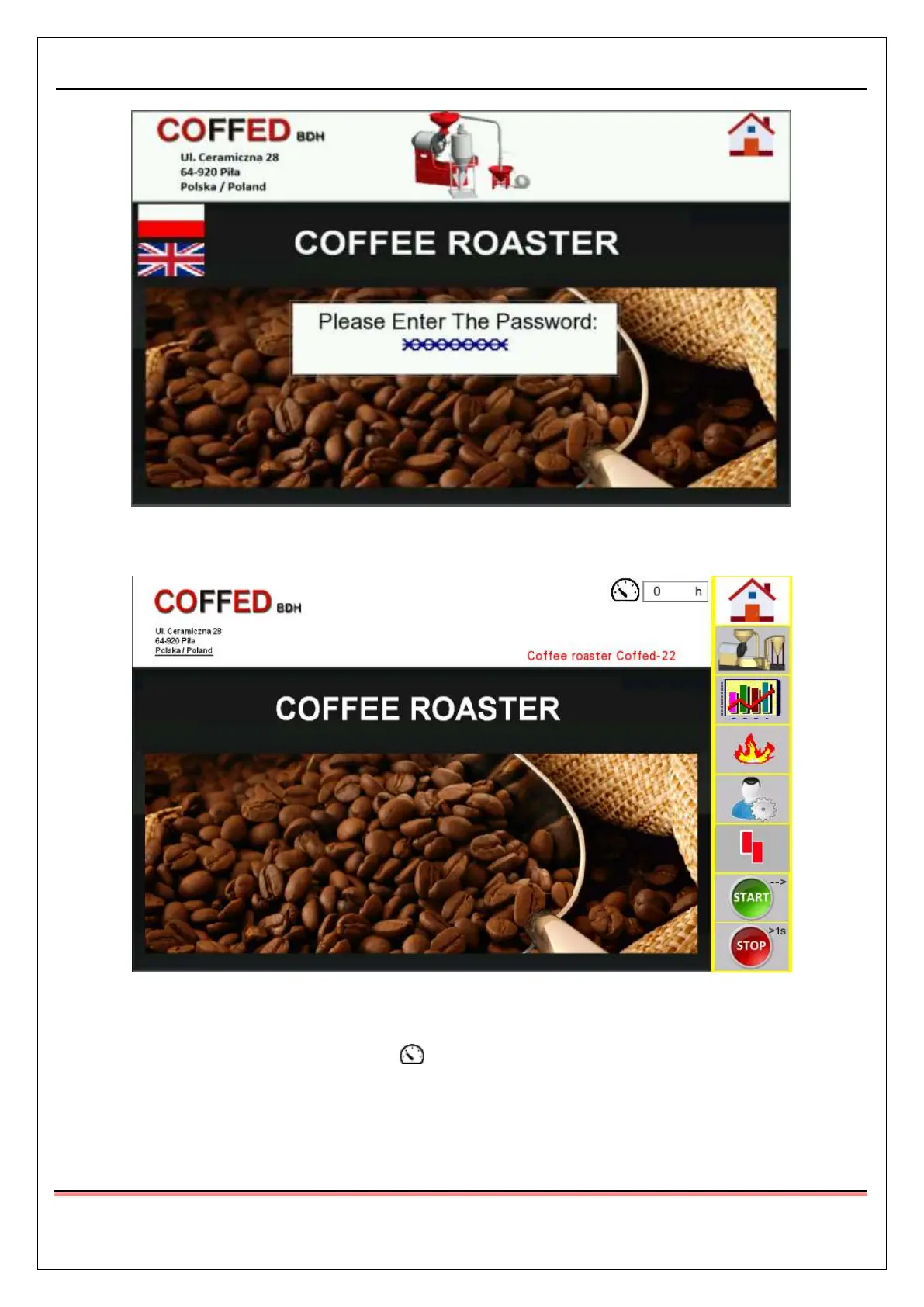
Pic.12 Operator’s password screen after the correct password has been inserted
3.1.2. Start screen
Pic.13 Start screen
The manufacturer’s details, name, type and serial number of the machine are visible on the start screen.
The number of workhours is displayed by the icon – it is the number of hours when the burner of the
machine was working.
Eight buttons are visible on the right side of the screen. Their functions are the same for all of the screens,
on which they are displayed:



 To Next Page