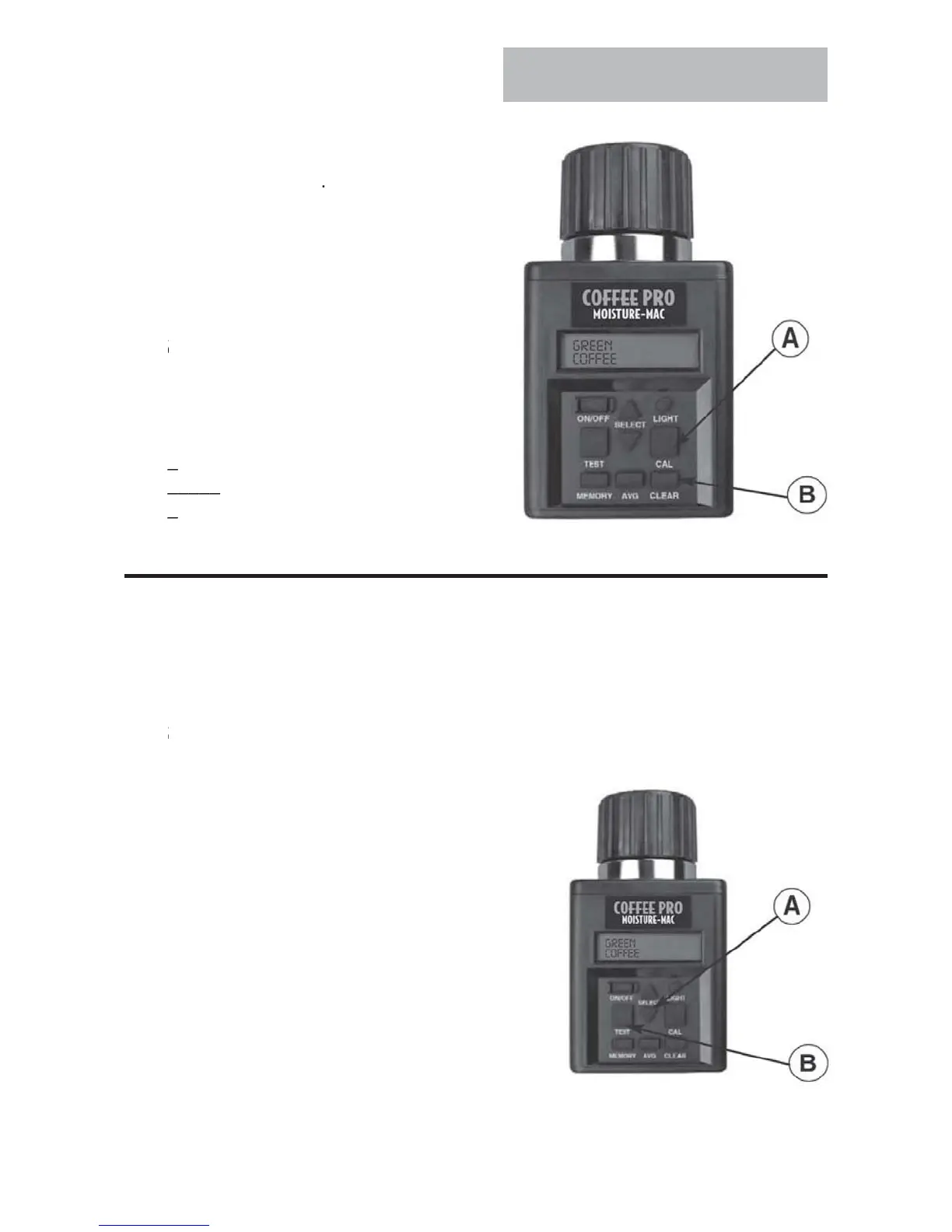
Operation
LEAR
ALIBRATI
. Select
rain to clea
Press
AL button
A
, tester will then
sp
a
ast ca
rat
on t
at was ma
e.
3. Press
LEAR button
B
.
ester will then display 0.0% for
both lines if the calibration has been
r
TE
f
ou press the
AL butto
––––
n
tester
sp
a
s
.
o
oth lines
then no calibratio
––––
as been made for this grain
ELE
T A DIFFERENT LAN
A
E
.
t start up, the tester will alwa
s displa
the name of the last grain tested in the
current language selected. (English is the de
ault language
rom the
actory.)
.
o select a new language, press either the up or down arrow on the SELECT
button (A) to index
orward or backward
through the grain
function
menu until the
word LANGUAGE is displayed
3.
hen LAN
UA
E is displayed, press TE
T
button
B
. The current language selected
will be displayed. Press either the up or
down arrow on the SELECT button
A
to
ndex
orward or backward through the
gra
n
anguage menu unt
our c
o
ce
o
language is displayed. The seven (7)
anguages
as displayed
are: ENGLISH,
PANI
H
ERMAN
FREN
H
ITALIAN
SWEISH and PORTUGUESE
. Press TEST button (B) again to return to the main grain menu, which wil now be
displayed in the new language.



 To Next Page