Operation
T
ADJU
T
ALIBRATI
MP
RTANT: Always obtain three
3
test
esults from the grain elevator for the
amp
e
e
n
compare
.
vera
e t
ese
hree
3
results. Compare this average with
he average of three
3
tests by the
oisture tester
ach grain scale can be individuall
ad
justed up to 5.0% by increments of 0.1%
o more closely match the results of an
v
t
r t
t
r
irst select the grain to be adjusted
est the grain selected, using the sample
you wish to adjust to.
nce valid moi
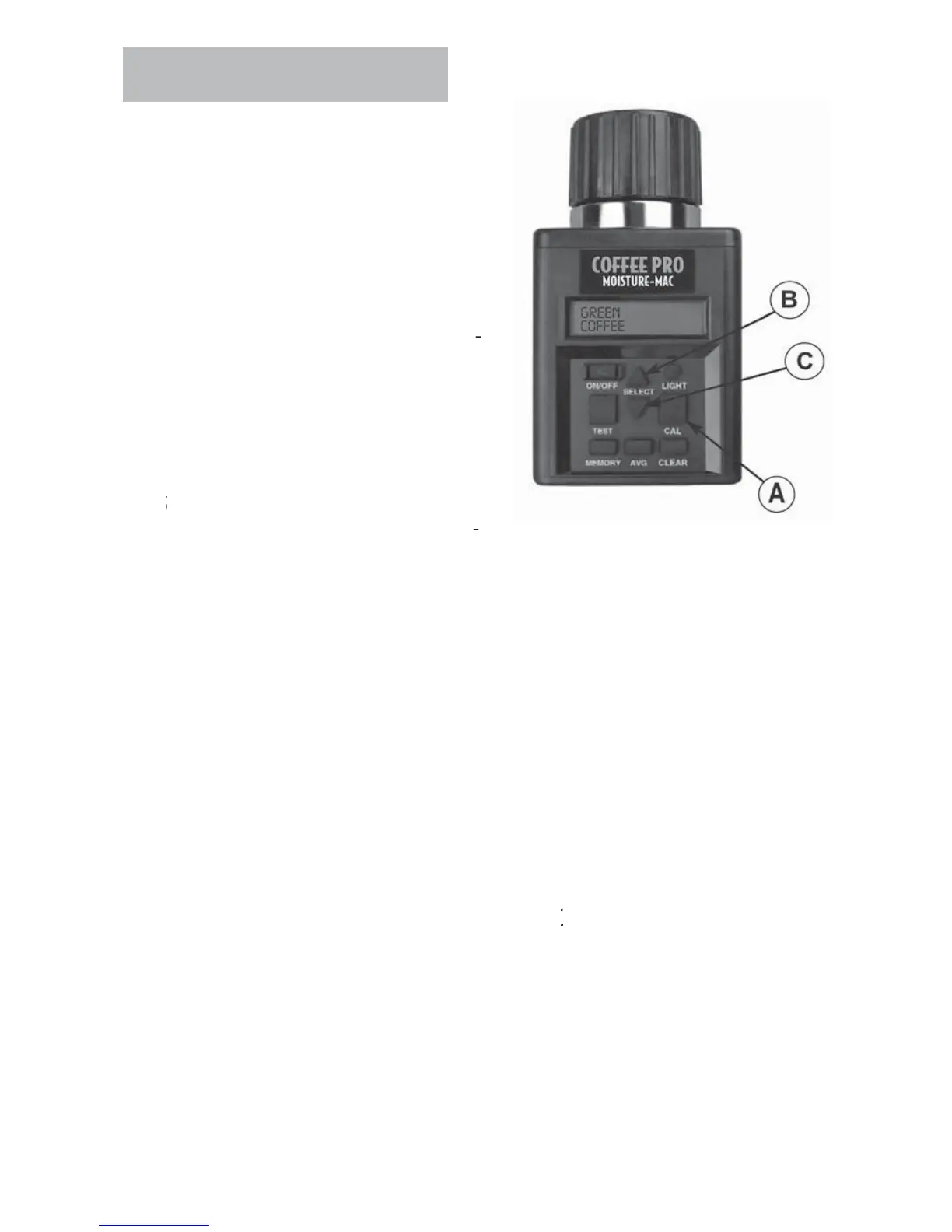
ure appears, press the CAL button
A
.
N
TE:
alibration of given grain cannot be pe
ormed
nless a valid moisture test has been pe
ormed
nce
AL button (A) is pressed, tester will now display the obtained moisture
eading and the current offset applied to that moisture range
ress the UP arrow (B) to raise the adjustment amount or press the D
WN
rrow
to lower. The tester will add or subtract up to 5.0% by increments of
.
to t
e current mo
sture ran
e
After the adjustment amount has been selected, press the
AL button
A
to
eturn to
ra
n tester mo
e.
N
TE:
Adjustment can NOT be made to factor
calibratio
o pro
uce mo
sture rea
n
s
n a tester t
at s
ow
BELOW LIMIT” or “ABOVE LIMIT” readings.
IMP
RTANT:
This tester incorporates Multi-Point Calibration for each grain. Therefore, once a
va
test
s ta
en an
an a
ustment
s ma
e, t
e a
ustment w
on
a
ect t
e
oisture range of the sample tested.



 To Next Page