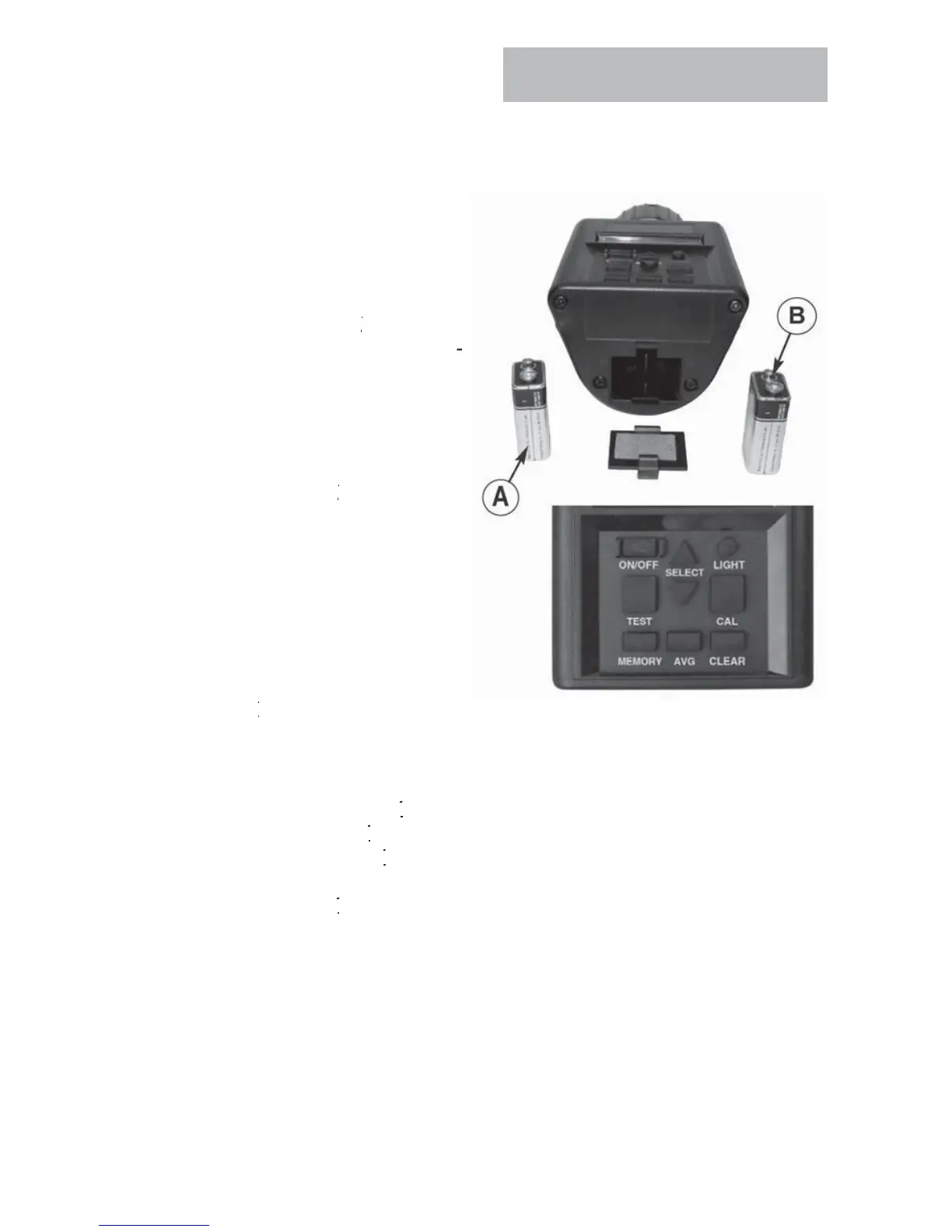
Service
HE
K BATTERY P
WER LEVEL
AND REPLA
E BATTERIE
.
e tester
s su
e
w
t
two
vo
t
alkaline batteries. The le
t battery (A)
owers t
e
ac
t c
rcu
t.
e
right battery (B) powers the system
The tester will flash a B
essage if s
stem batter
needs re
acing when unit is turned on. It will
not sa
this for the backlight batter
.
In the event that the backlight battery
s
ow, t
e
ac
t w
not wor
.
.
ain menu and
ress TE
T to
displa
the percentage available for
both batteries.
The tester s
stem functions will
operate if no backlight batter
is
nstalled or if it is low.
. SYSTEM B
will be
resented when unit is turned
N and
t
e
atter
s
or
ess usa
e.
TE
I
the backlight batte
e
ac
t
atte
perate the system by moving it to th
LEAN THE TE
TER
Remove cap and wipe out inside of the tester with a dr
paper towel
TE
rain may become lodged in threads of cap and
hould be removed with a small blade.
-
g
t
attery
-
ystem Battery
- Main Menu
-
est
utton
-
elect Button



 To Next Page