Troubleshooting
ymptom A: Unit does not power up or loses power occasionally
or backlighting
oes not operate.
Solution 1
Press ON-OFF button for shorter time. Do NOT hold button down
olution 2
Check batteries for 0% or higher. Replace as necessary
olution 3
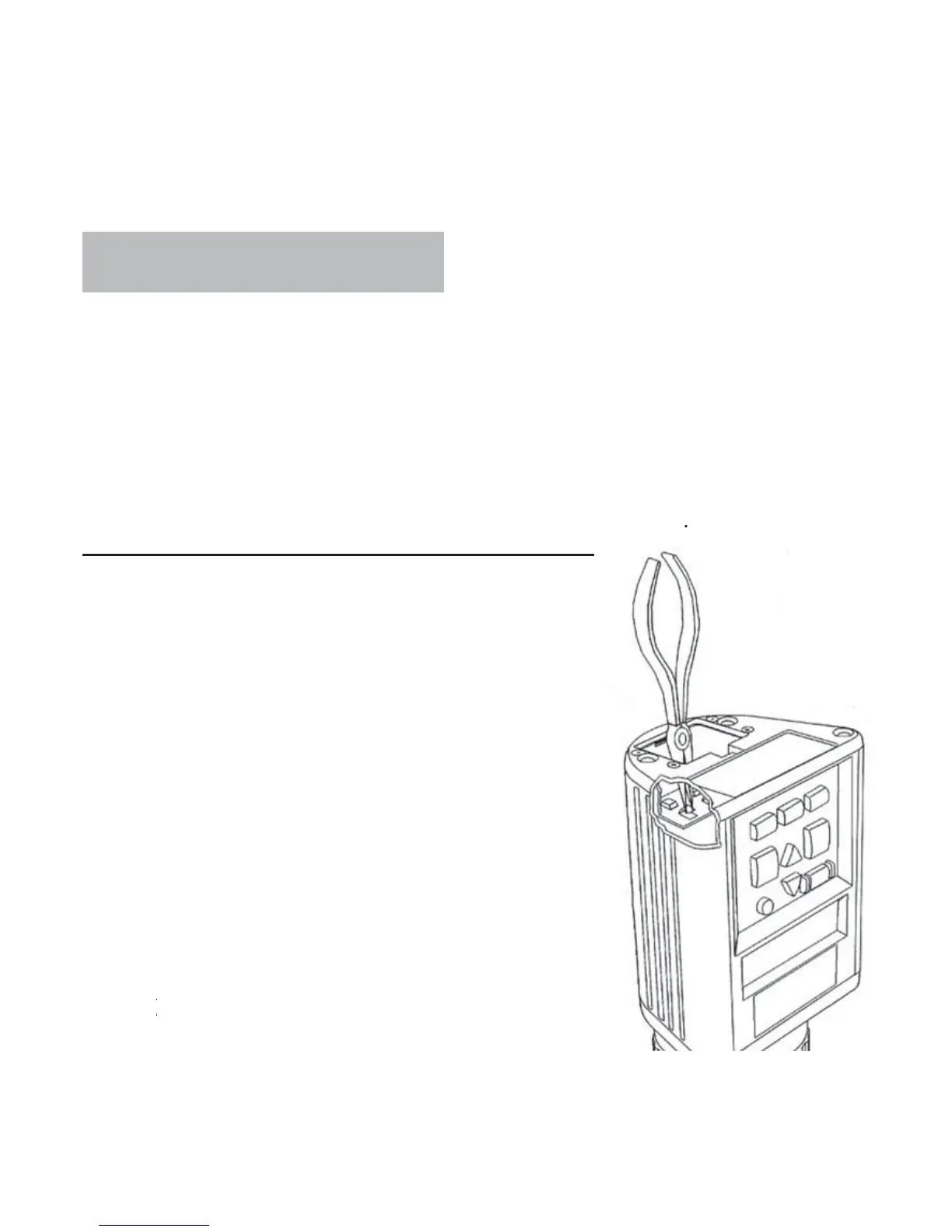
Batter
contacts ma
be making poor contact. Remove batteries
nd pull metal contacts up
rom bottom o
compartment and above hei
ht o
lastic knob using needle-nose pliers.
ee illustration belo
mptom B
nit is inaccurate.
olution 1
Temperature of the grain and unit
may be more than 20˚F
11˚C
different. Follow
reheat procedure (page 5)
olution 2
If grain is at an extreme temperature,
et
ra
n sett
e to reac
room temperature.
etest
ra
n
olution 3
rain and/or test cell may have
eve
ope
sur
ace moisture from rapid chan
e
n temperature o
the
rain sample. Allow
rain
nd tester to stabilize near room temperature.
Inspect for visible moisture on
rain and inside
test cell. Dr
test cell with so
t cloth or blow
dryer, if necessary. Retest grain.
ee page 6
olution 4
If the tester displa
s SYSTEM
TTERY LOW, the test results may be
naccurate. Replace batte



 To Next Page