Operation
1
T
ELE
T A NEW
RAIN
ALE
R FUN
TI
N
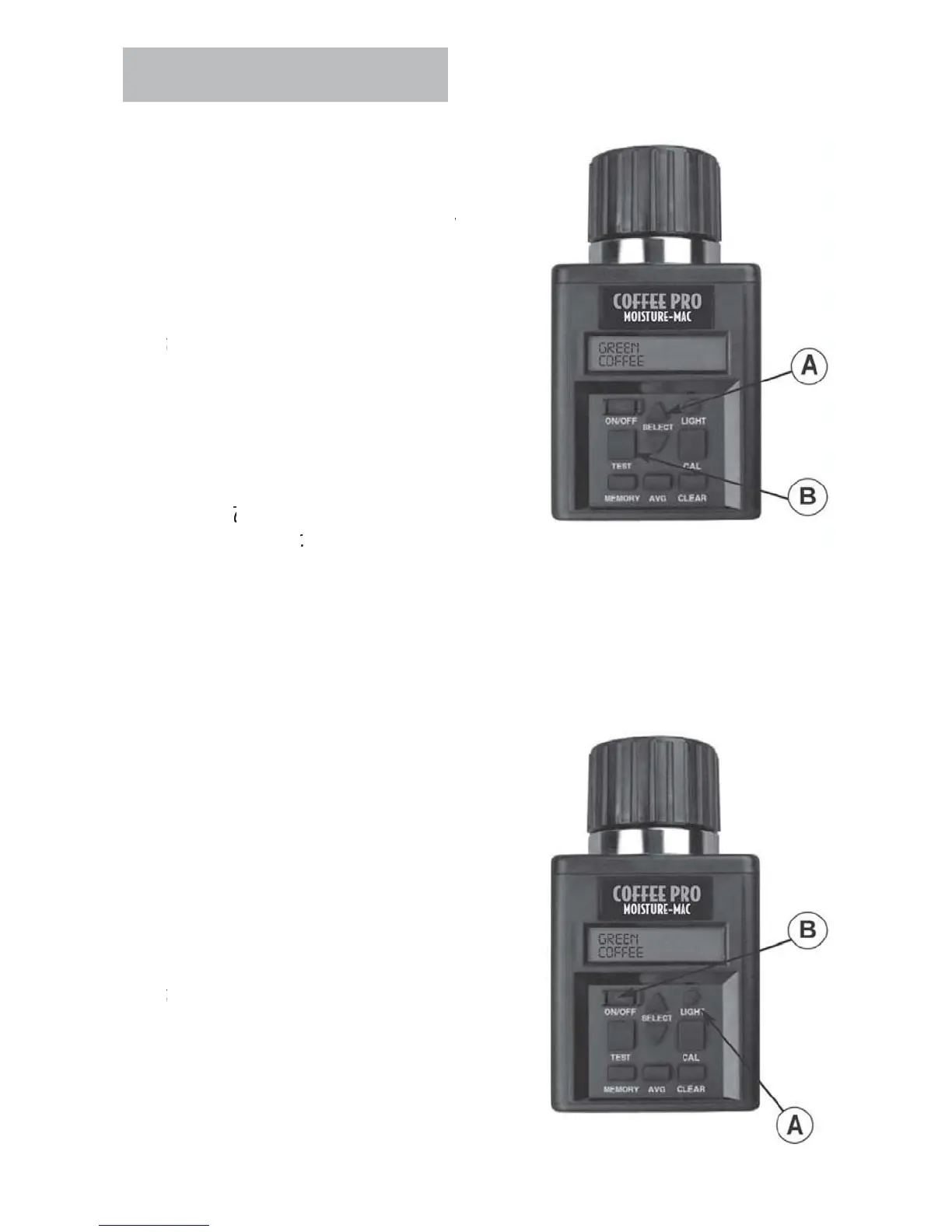
At start up, the tester will display AL
AVERAGE 3 TESTS for approximatel
seconds, then will display the name o
the
last
rain tested, such as GREEN COFFEE
o select a new grain scale, press either the
up or down arrow on the
ELE
T button (A)
o index forward or backward throu
h the
rain
function
menu. The grains are listed
in alphabetical order followed by other tester
functions.
N
TE:
o use other functions included with
t
t
p or down to get desired
unction.
ush TE
T button
B
to pe
or
h
t f
n
ti
n
T
T
RN
N BA
KLI
HT AND T
RN
FF TE
TE
ress LIGHT button (A)
ress a
ain to turn off backli
ht.
N
TE:
he backlighting feature is designed
o
mprove
sp
a
v
s
t
n
o
li
ht conditions. In bri
ht li
h
onditions, the backlighting canno
n.
o turn off tester, press ON-OFF button (B).
ester will automaticall
turn itself off
minutes a
ter the last button has been
pus
e



 To Next Page