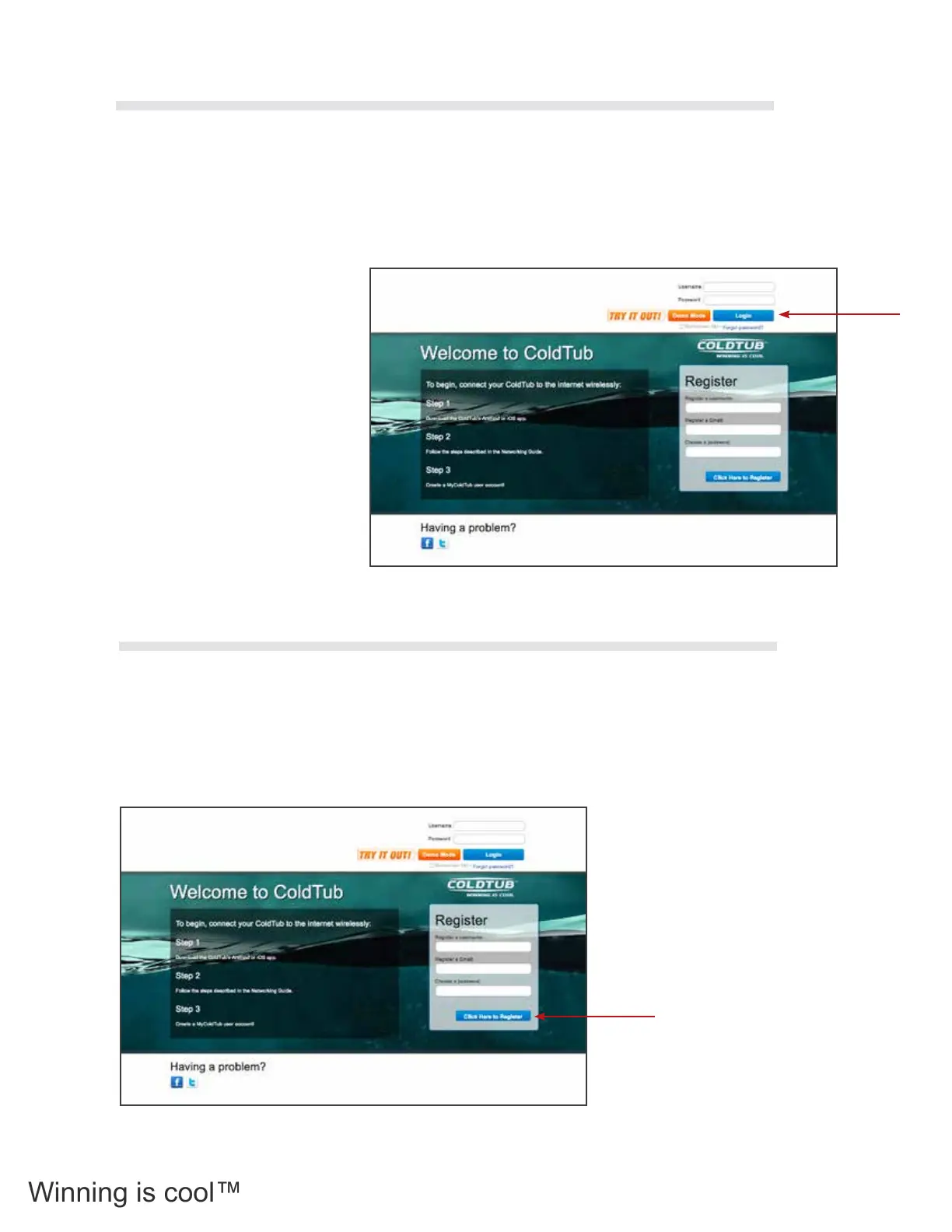
To access the My COLDTUB Home page enter the following web address into your browser.
www.mycoldtub.com
For a new user, the user must rst create a new user account by completing the details in the Register box
located on the right hand side of the Home Page.
For a registered user, click on the Login button located on the upper right hand side of the Home Page.
For a new user, to create a user account complete the details in the Register box located on the right hand
side of the Home Page.
Note: password must be at least seven characters long.
Once completed, press the Click Here to Register button at the bottom of the Register box on the Home Page.
You will now have been directed to New
User Account screen.
Complete all the Required information elds
accordingly.
Once completed, press the Register button
at the bottom of the New User Account
screen.
2.12.1 Home Page
2.12.2 New User Registration
34



 To Next Page