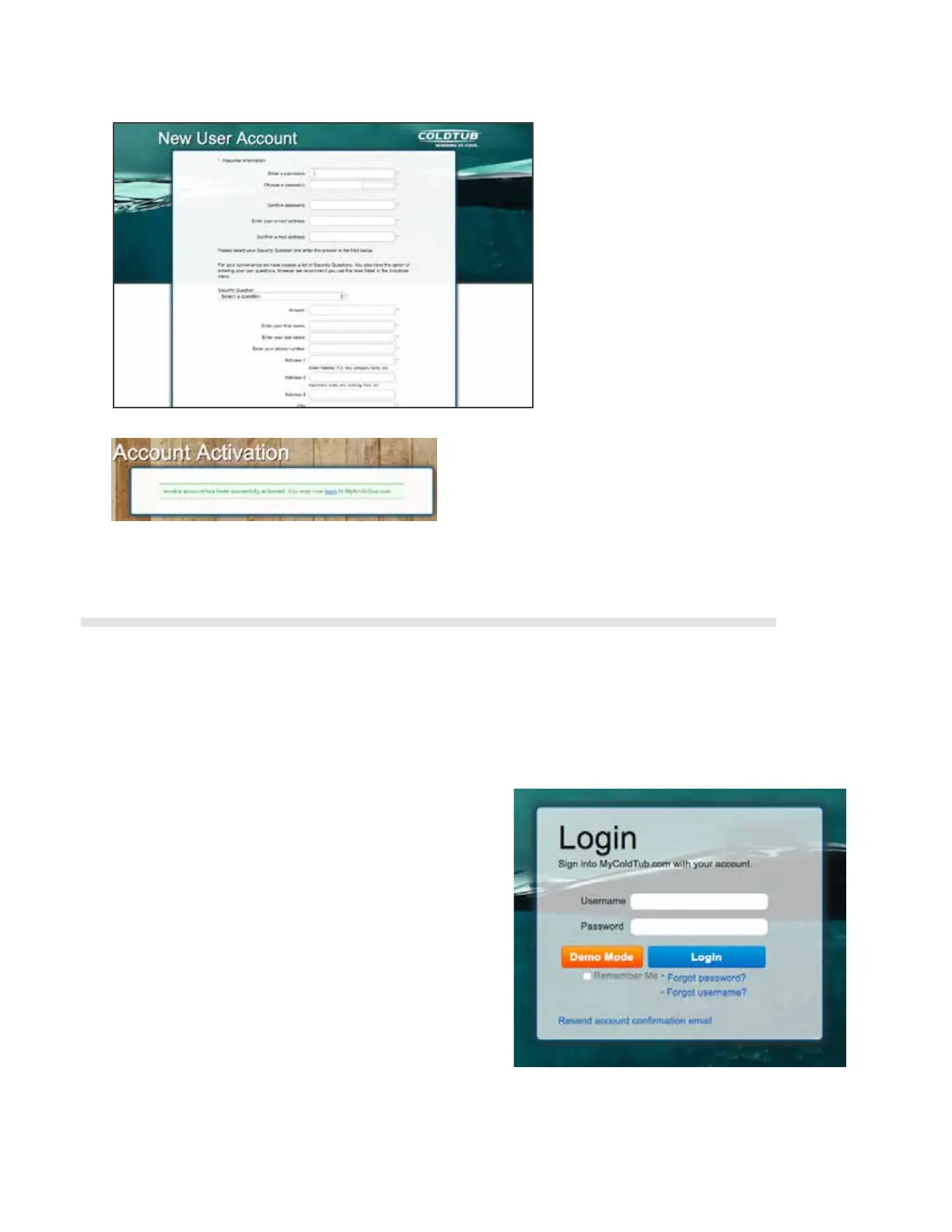
Before you login for the rst time you should rst ensure your COLDTUB has already been connect your
network.
You can now login by clicking the login link on the Account Activation screen and entering your user name and
password in the elds provided in the Login box.
You will automatically be directed to the Prole and Preferences Page, where you will need to register your
COLDTUB details.
Note: Once you have logged in for the rst time
and registered your COLDTUB details within
mycoldtub.com, logging into mycoldtub.com
is achieved from accessing the My COLDTUB
home page Log in by entering your user name
and password in the elds on the upper right
hand side of the home page. Once logged in, My
COLDTUB will automatically open your personal
My COLDTUB Page.
You will then receive an Account Conrmation Email
from My COLDTUB.
Once you receive the email complete the registration
through conrming your email address by clicking on
the LINK in the email received.
You will be directed to the Account Activation
screen on the mycoldtub.com Web page, and the
conrmation will be displayed.
onSpa and Web Connect User Guide
Version 1 Revision Draft 1 onSpa and Web Connect User Guide
Issued Mar 2016
Page 19 of 24
My Arctic Spa: New User Account – Screen
Shot
You will then receive an Account Confirmation Email from My Arctic Spa.
Once you receive the email complete the registration through confirming your email
address by clicking on the LINK in the email received.
You will be directed to the Account Activation screen on the myarcticspa.com Web page,
and the confirmation will be displayed.
My Arctic Spa: Login Box Account
Activation – Screen Shot
1.14.3 Login First Time
Before you login for the first time you should first ensure your Spa has already been
connect your home network.
The following link takes you to all the help videos that explain how to connect your Spa to
the Home Network.
??????
You can now login by clicking the login link on the Account Activation screen and entering
your user name and password in the fields provided in the Login box.
You will automatically be directed to the Profile and Preferences Page, where you will
need to register your spa details.
Note: Once you have logged in for the first time and registered your Spa details within
myarcticspa.com, logging into myarcticspa.com is achieved from accessing the
My Arctic Spa home page Log in by entering your user name and password in the
fields on the upper right hand side of the home page. Once logged in, My Arctic
Spa will automatically open your personal My Arctic Spa Page.
2.12.3 Login First Time
35



 To Next Page