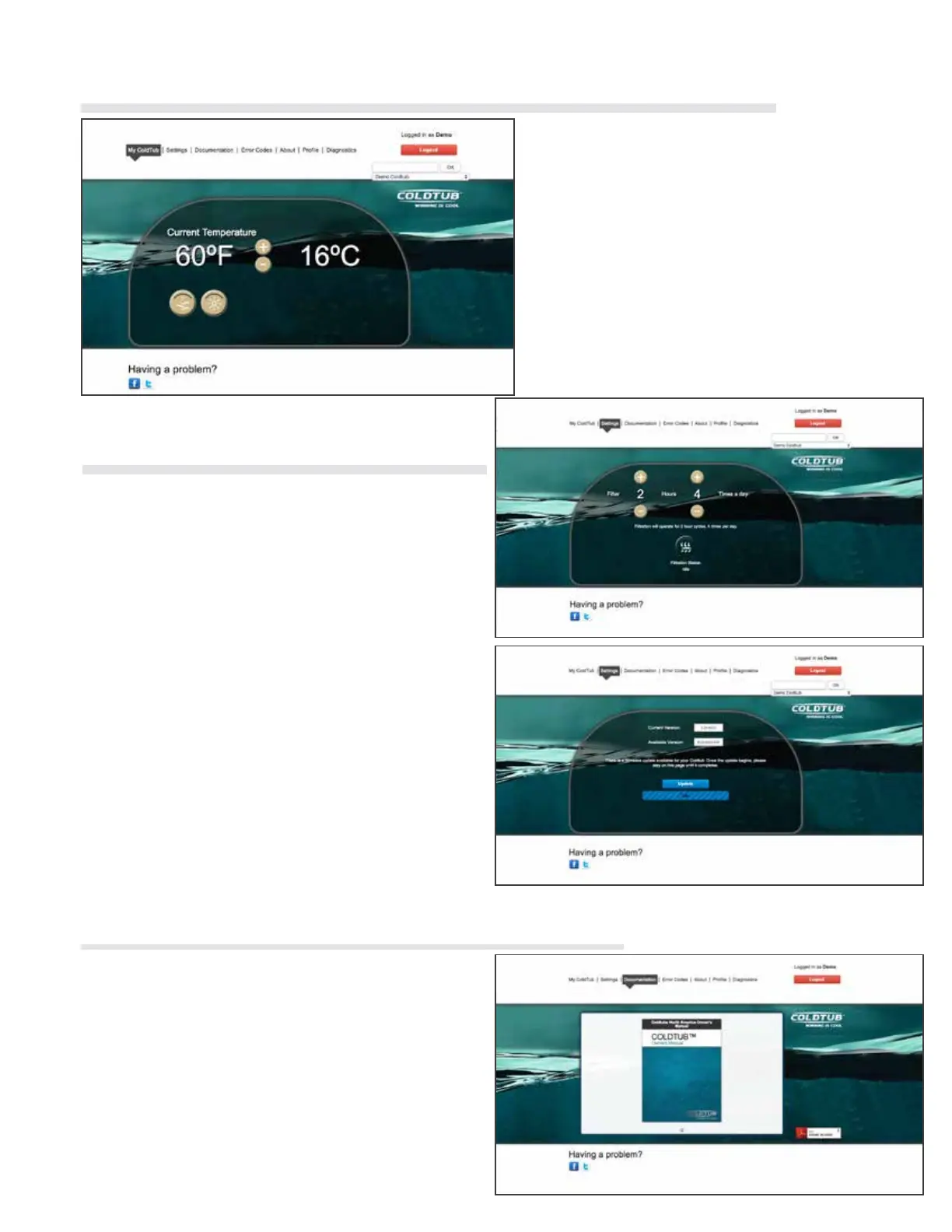
Once you have logged in, My COLDTUB will
have automatically directed you to, your My
COLDTUB page.
If your COLDTUB is connected to the internet
through your network you can see if your
COLDTUB is in use, adjust the temperature
and turn on and off components if desired
From this page you are able to explore the My
COLDTUB web pages by clicking the desired
tab along the horizontal tool bar.
Click on this tab to access the Settings page.
From this page, you can see your COLDTUBs
currently producing Sanitizer (Sanitizing) adjust
the following settings of your COLDTUB:
• Filtration
• Firmware Upgrade
Click on this tab to access the Documentation page.
This page provides you easy access to:
• Owners manual
• Networking guide
• COLDTUB App user guide
• Other cool stuff
• Quick Reference Cards
2.12.6 My COLDTUB
1.13.2 Documentation
2.13.1 Settings
37



 To Next Page