Before you login for the rst time you should rst connect
your Tub to your home network.
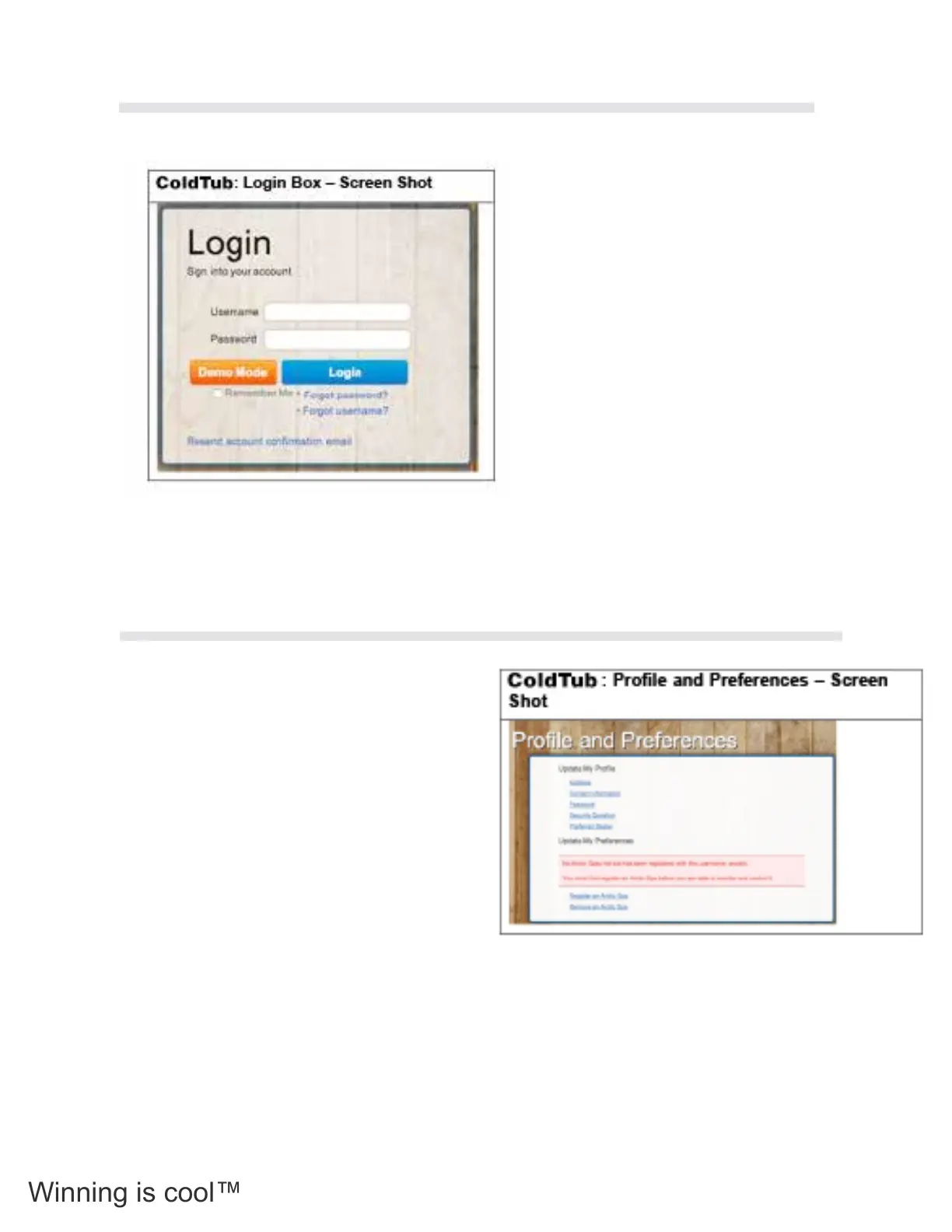
You can now login by clicking the login link and entering
your user name and password in the elds provided in the
Login box.
Once you have access to the home page, you can log in
by entering your user name and password in the elds on
the upper right hand side of the home page.
Once entered press the Login button directly under the
Username and Password elds.
You will automatically be directed to the Prole and
Preferences Page, where you will need to register your
Tub details.
To register your COLDTUB details click the
Register an COLDTUB link in the Prole
and Preferences box.
You will receive a prompt to reect that your
Tub must be connected to the Internet (Your
Home Network). Click the Search button to nd
your Tub. The Tub Registration Conrmation
pop up box will be displayed advising you to
press a button on your Tubs Topside Controller
to conrm the Tub registration.
If you are not sure of how to register your
Tub you can click on the Help Video button to
obtain further guidance.
Your Tub will now be connected to the
COLDTUB Pal server
3.11.4 Register an COLDTUB
3.11.3 Login First Time
58



 To Next Page