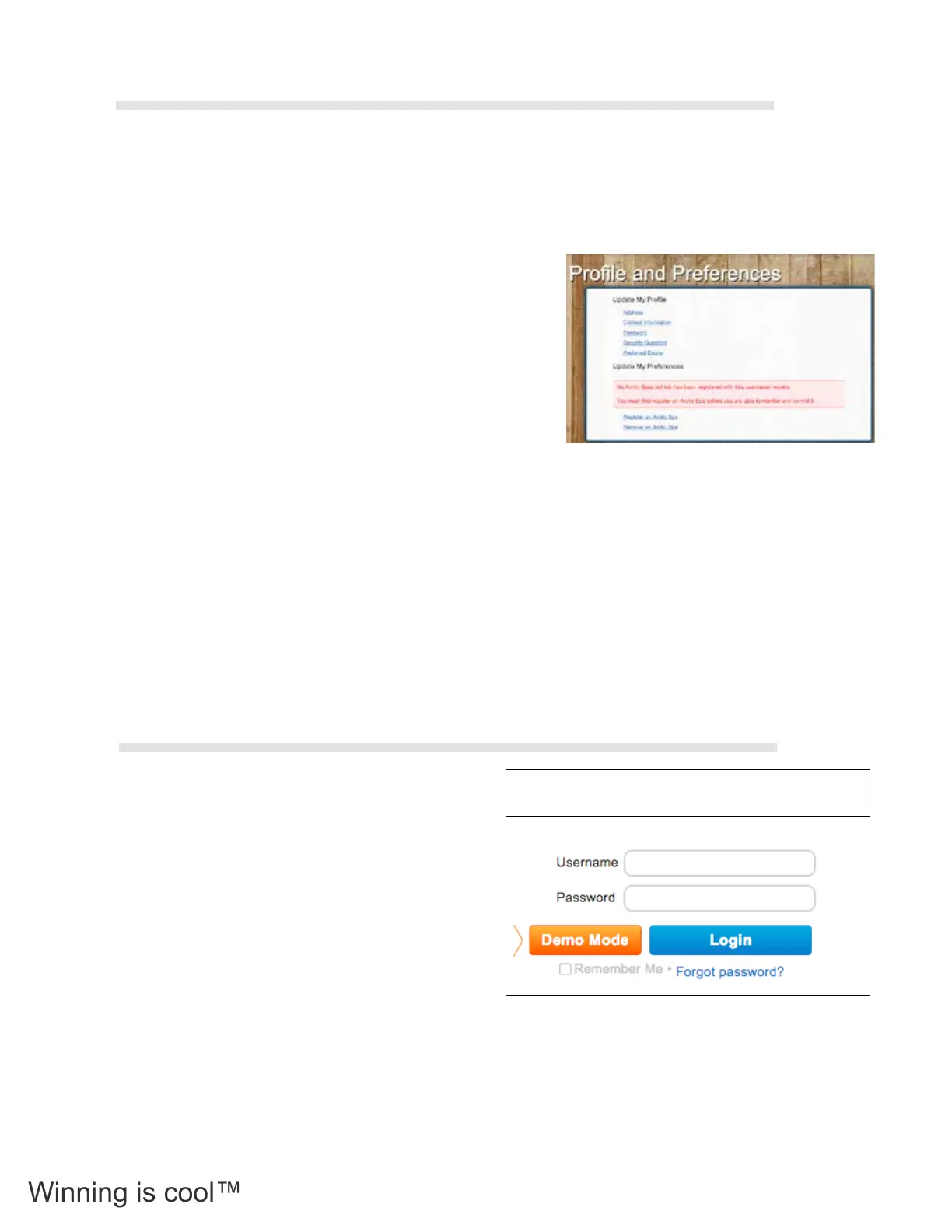
To register your COLDTUB details click the Register a COLDTUB link in the Prole and Preferences box.
You will receive a prompt to reect that your COLDTUB must be connected to the Internet (Your Network).
Click the Search button to nd your COLDTUB. The COLDTUB Registration Conrmation pop up box will
be displayed advising you to press a button on your COLDTUBs Topside Controller to conrm the COLDTUB
registration.
You must go to your COLDTUB and press any button on the
Topside Controller.
‘rEG” will be displayed on the Topside Controller. When you
press any button on your COLDTUBs Topside Controller
“Conf” will be displayed, reecting that your COLDTUB is being
conrmed for registration.
On the Register a COLDTUB page you will now be able to see
your COLDTUB.
Press the Register button.
Then enter a nickname for your COLDTUB and the Serial Number of your COLDTUB in the Nickname and
COLDTUB Registration elds on the Register a COLDTUB Page.
Press the Register button to complete the registration process.
Your COLDTUB will now be connected to the My COLDTUB server
onSpa and Web Connect User Guide
onSpa and Web Connect User Guide Version 1 Revision Draft 1
Page 20 of 24 Issued Mar 2016
My Arctic Spa: Login Box – Screen Shot
1.15.4 Register an Arctic Spa
To register your Arctic Spa details click the Register an Arctic Spa link in the Profile and
Preferences box.
You will receive a prompt to reflect that your spa must be connected to the Internet (Your
Home Network). Click the Search button to find your spa. The Spa Registration
Confirmation pop up box will be displayed advising you to press a button on your Spas
Topside Controller to confirm the spa registration.
You must go to your Spa and press any button on the Topside Controller.
‘rEG” will be displayed on the Topside Controller. When you press any button on your
Spas Topside Controller “Conf” will be displayed, reflecting that your Spa is being
confirmed for registration.
On the Register a Spa page you will now be able to see your Spa.
Press the Register button.
Then enter a nickname for your Spa and the Serial Number of your Spa in the Nickname
and Spa Registration fields on the Register a Spa Page.
Press the Register button to complete the registration process.
Your spa will now be connected to the My Arctic Spa server
My Arctic Spa: Profile and Preferences – Screen
Shot
Once you have logged in for the rst time and
registered your COLDTUB details within My
COLDTUB, logging into My COLDTUB is achieved
from accessing the My COLDTUB home page.
Login by entering your user name and password in
the elds on the upper right hand side of the home
page.
Once entered press the Login button directly under
the Username and Password elds.
Once logged in, My COLDTUB will automatically
open your personal My COLDTUB page.
Note: If you have forgotten your password you can press the Forgot Password button to re-establish your
password.
onSpa and Web Connect User Guide
Version 1 Revision Draft 1 onSpa and Web Connect User Guide
Issued Mar 2016
Page 21 of 24
1.15.5 Login
Once you have logged in for the first time and registered your spa details within My Arctic
Spa, logging into My Arctic Spa is achieved from accessing the My Arctic Spa home
page. Login by entering your user name and password in the fields on the upper right
hand side of the home page.
Once entered press the Login button directly under the Username and Password fields.
Once logged in, My Arctic Spa will automatically open your personal My Arctic Spa page.
Note: If you have forgotten your password you can press the Forgot Password button
to re-establish your password.
My Arctic Spa: Login Box on Home Page –
Screen Shot
1.14.4 My Arctic Spa
Once you have logged in, My Arctic Spa will have automatically directed you to, your My
Arctic Spa page.
If your spa is connected to the internet through your home network you can see if your
spa is in use, adjust the temperature and turn on and off components if desired, see ORP
and pH levels, etc
From this page you are able to explore the My Arctic Spa web pages by clicking the
desired tab along the horizontal tool bar.
My Arctic Spa: My Arctic Spa – Screen Shot
2.12.4 Register a COLDTUB
2.12.5 Login
36



 To Next Page