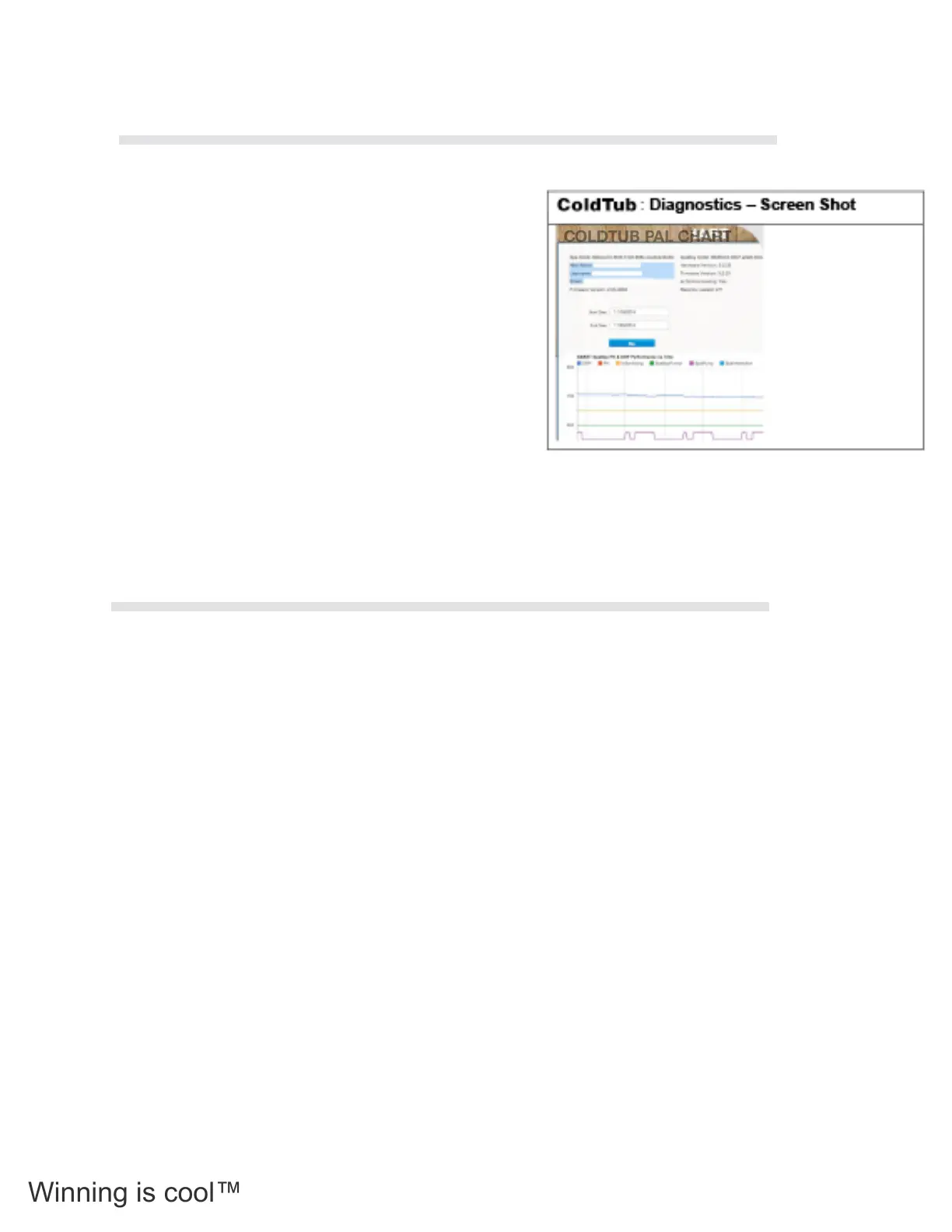
Click on this tab to access the Diagnostics page.
This page is used to access the data that has been
transmitted from your Tub to COLDTUB Pal. Data such
as, but not limited to the following is captured:
• COLDTUB Pal chart.
• COLDTUB Pal Table.
• COLDTUB Pal Controls.
• COLDTUB Pal Report.
The data can be used by the Tubs owner to graphically
check pH and ORP readings determine power usage.
To logout of COLDTUB Pal press the Logout button on the horizontal tool bar in the right hand upper corner
of the screen.
Once out, enjoy your Tub!
Spa Boy Owners Manual
Spa Boy Owners Manual Version 1 Revision 1 (R1)
Page 28 of 35 Issued 20 Nov 2014
1.15.9 Profile
Click on this tab to access the Profile page.
This page is used to:
• Update your personal details such as email and password.
• Update your preferences such as register and remove an Arctic Spa from My
Arctic Spa.
My Arctic Spa: Profile – Screen Shot
1.15.10 Diagnostics
Click on this tab to access the Diagnostics page.
This page is used to access the data that has been transmitted from your spa to My Arctic
Spa. Data such as, but not limited to the following is captured:
• Spa Boy chart.
• Spa Boy Table.
• Spa Boy Controls.
• Spa Boy Report.
The data can be used by the Spas owner to graphically check pH and ORP readings
determine power usage.
My Arctic Spa: Diagnostics – Screen Shot
1.15.11 Logout
To logout of My Arctic Spa press the Logout button on the horizontal tool bar in the right
hand upper corner of the screen.
Once out, enjoy your spa!
Spa Boy Owners Manual
Spa Boy Owners Manual Version 1 Revision 1 (R1)
Page 28 of 35 Issued 20 Nov 2014
1.15.9 Profile
Click on this tab to access the Profile page.
This page is used to:
• Update your personal details such as email and password.
• Update your preferences such as register and remove an Arctic Spa from My
Arctic Spa.
My Arctic Spa: Profile – Screen Shot
1.15.10 Diagnostics
Click on this tab to access the Diagnostics page.
This page is used to access the data that has been transmitted from your spa to My Arctic
Spa. Data such as, but not limited to the following is captured:
• Spa Boy chart.
• Spa Boy Table.
• Spa Boy Controls.
• Spa Boy Report.
The data can be used by the Spas owner to graphically check pH and ORP readings
determine power usage.
My Arctic Spa: Diagnostics – Screen Shot
1.15.11 Logout
To logout of My Arctic Spa press the Logout button on the horizontal tool bar in the right
hand upper corner of the screen.
Once out, enjoy your spa!
COLDTUB PAL CHART
3.12.2 Diagnostics
3.12.3 Logout
62



 To Next Page