WWW.STRIKEPACKELIMINATOR.COM
THE ELIMINATOR DEVICE
Operating the Eliminator
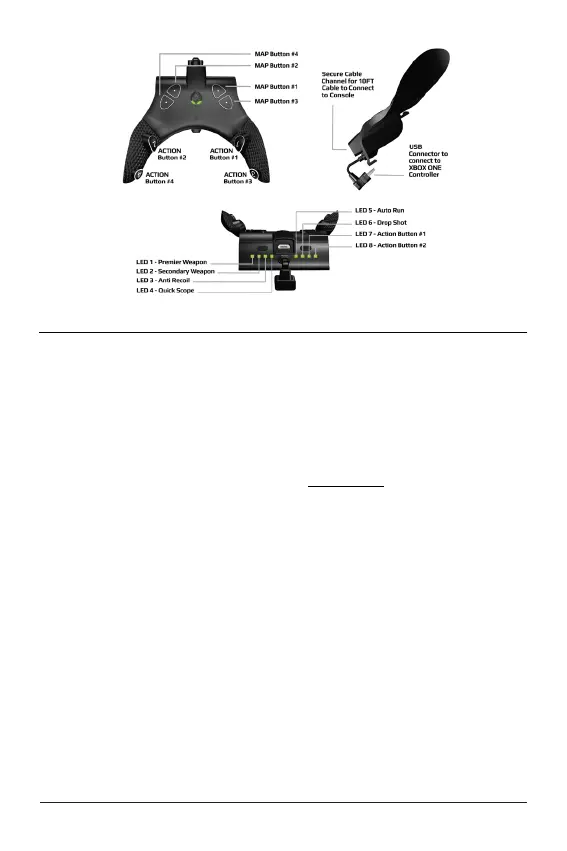
Once your device is paired with the console the first step is to choose which
operation mode you want the device to be in. There are three operation
modes; Tournament Mode, MOD Mode and Game Pack mode.
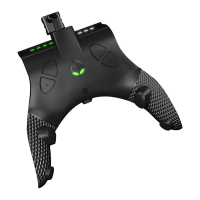
Tournament Mode – Each time the Eliminator is paired it starts in
Tournament Mode by default. This is identified by the fact that the Gear
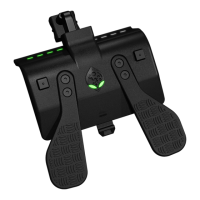
Head Eyes are glowing WHITE. Tournament Mode allows you full access
to map buttons to the action buttons, but, DOES NOT allow the use of
any MODS.
MOD Mode – To enter MOD mode, simply HOLD the top LEFT SELECT
button and press the top RIGHT SELECT button. You will know you have
correctly entered MOD mode as identified by the Gear Head Eyes glowing
GREEN.
Game Pack Mode – To enter Game Pack mode, simply HOLD the top
LEFT SELECT button and press ACTION BUTTON #2. You will know
you have correctly entered GAME PACK MODE as identified by the Gear
Head Eyes flashing WHITE and GREEN. It is important to note that
Game Pack Mode is only available with an ACTIVE MOD PASS
subscription. For full details visit www.ModPass.ca


 To Next Page