EasyManua.ls Logo

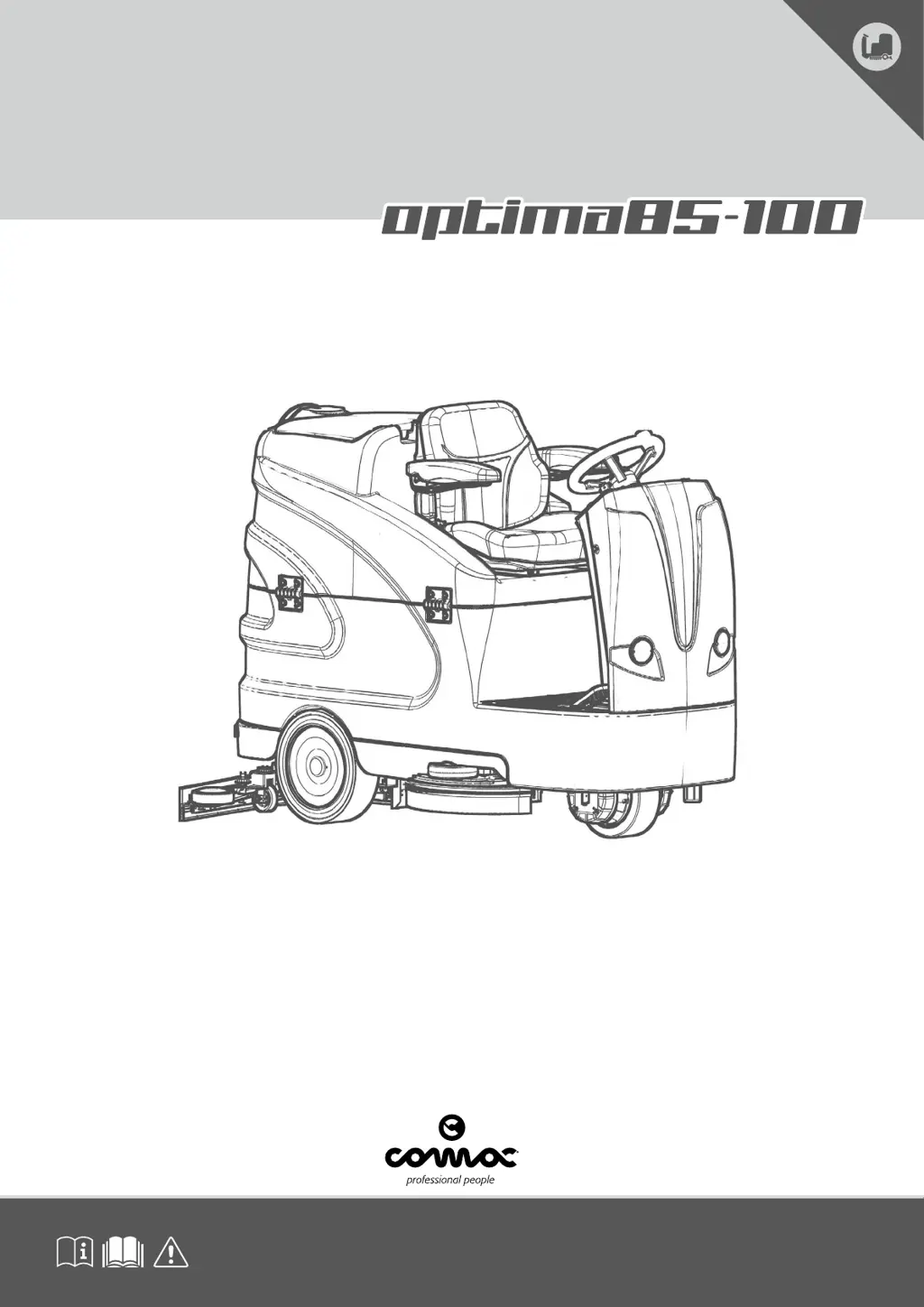
COMAC OPTIMA 85 - User Manual

COMAC OPTIMA 85
32 pages
Print Icon
To Next Page IconTo Next Page
Loading...
SCRUBBING MACHINES
ORIGINAL INSTRUCTION DOC. 10043695 - Ver. AD - 07-2018
USE AND MAINTENANCE MANUAL

Table of Contents

Questions and Answers

Summary

General Safety Regulations

Recharging the Batteries Safety

Safety precautions and dangers associated with recharging machine batteries.

Safe Machine Operation

General Operating Warnings

Important safety warnings and precautions for operating the machine.

Machine Deactivation and Maintenance Safety

Deactivation Procedures

Steps to safely turn off and deactivate the machine for maintenance or storage.

Maintenance Safety Precautions

Safety guidelines and precautions to follow before and during maintenance operations.

Machine Transport Guidelines

Transport Safety and Procedures

Instructions and precautions for safely transporting the machine.

Machine Identification Symbols and Labels

Symbols on Registration Plate

Explanation of symbols found on the machine's registration plate.

Printed Symbols and Machine Labels

Identification of symbols and labels directly affixed to the machine's body.

Control Panel Symbol Interpretation

Command Panel Symbols

Interpretation of symbols found on the machine's command panel.

Control Panel Display Symbols

Explanation of symbols displayed on the machine's control panel.

Manual Information and Machine Overview

Manual Usage Symbols

Explanation of symbols used throughout this instruction manual.

Technical Description and Intended Use

Overview of the machine's technical specifications and its intended purpose.

Machine Specifications and Optional Equipment

Special Equipment Options

Description of optional equipment available for the scrubbing machine.

Registration Plate Information

Information contained on the machine's serial number and registration plate.

Technical Data (International System)

Detailed technical specifications of the machine in the international system of units.

Machine Technical Data and Brush Types

Technical Data (Imperial System)

Detailed technical specifications of the machine in the imperial system of units.

Brush Type Compatibility

Information on different types of brushes compatible with the machine.

Machine Preparation and Battery Handling

Handling, Unpacking, and Moving

Procedures for safely handling, unpacking, and moving the machine.

Machine Safety and Securing

Instructions for securing the machine for safe operations.

Battery Type, Maintenance, and Disposal

Details on battery type, maintenance, and disposal procedures.

Battery Recharging and Solution Tank Filling

Recharging the Machine Batteries

Step-by-step guide for safely recharging the machine's batteries.

Filling the Solution Tank with Water

Instructions for filling the solution tank with water.

Detergent Solution and Squeegee Assembly

Preparing Detergent Solution

Guidance on preparing and adding detergent solution to the machine.

Assembling the Squeegee Body

Procedure for assembling the squeegee body onto the machine.

Brush Assembly and User Ergonomics

Assembling Brush Head Brushes

Instructions for installing brushes into the brush head body.

User Seat and Driving Position Adjustment

How to adjust the operator's seat for comfort and proper driving position.

Pre-Work Checks and Preparations

Essential checks and preparations before starting work with the machine.

Starting Work Procedures

Selecting Machine Work Functions

How to select different work modes like Transfer, Drying, and Scrubbing.

Control Panel Functionality

Water and Detergent Flow Control

Adjusting water flow and detergent solution flow rates.

ECO-Mode and Speed Adjustment

Activating ECO-MODE and adjusting the machine's movement speed.

Pressure, Brush Release, and Lights

Controlling brush pressure, brush release, and dipped headlights.

Machine Status Indicators and Alerts

Hour Meter and Battery Level

Understanding the hour meter and the battery charge level indicator.

Emergency Button and Alarm Screens

Using the emergency button and interpreting alarm messages.

Operational Systems and End-of-Work

Service Brake and Overflow Device

Information on the service brake system and the overflow device.

End-of-Work Procedures

Steps to follow at the end of the working day before performing maintenance.

Routine Maintenance Schedule

Schedule and overview of routine maintenance tasks for the machine.

Cleaning and Emptying Procedures

Emptying the Recovery Tank

Procedure for emptying the machine's recovery tank.

Cleaning Squeegee Body and Filter-Float

How to clean the squeegee body and the recovery tank filter-float.

Brush and Tank Cleaning Procedures

Cleaning Brush Head Brushes and Recovery Tank

Procedures for cleaning brushes and the recovery tank.

Emptying the Solution Tank

Procedure for emptying the machine's solution tank.

Water System and Detergent Tank Cleaning

Cleaning Water System Filter and Vacuum Tube

How to clean the water system filter and the vacuum tube.

Cleaning the Detergent Tank (CDS Versions)

How to clean the detergent tank for CDS versions of the machine.

Extraordinary Maintenance Work

Replacing Squeegee Rubber Blades

Instructions for replacing the front and rear rubber blades of the squeegee body.

Replacing Brush Head Body Brushes

Procedure for replacing worn brushes in the brush head body.

Adjustments, Disposal, and Compliance

Adjusting Squeegee Body Blades

How to adjust the squeegee body rubber blades for optimal floor cleaning.

Machine Disposal and EC Declaration

Guidelines for machine disposal and the EC Declaration of Conformity.

Troubleshooting Common Issues

Machine Start and Power Issues

Diagnosing and resolving problems when the machine fails to start or has power issues.

Performance and Cleaning Problems

Resolving issues related to machine movement, detergent flow, and cleaning effectiveness.

Command Display Menu Navigation

Accessing and Navigating Menus

Steps to access and navigate the machine's programming pages.

General Settings Configuration

Configuring language, model, battery type, and other general settings.

Display Settings Configuration

Adjusting Display Contrast and Brightness

How to adjust the contrast and brightness of the control display.

COMAC OPTIMA 85 Specifications

General IconGeneral
BrandCOMAC
ModelOPTIMA 85
CategoryScrubber
LanguageEnglish

Related product manuals