InteliGen 200 Global Guide
20
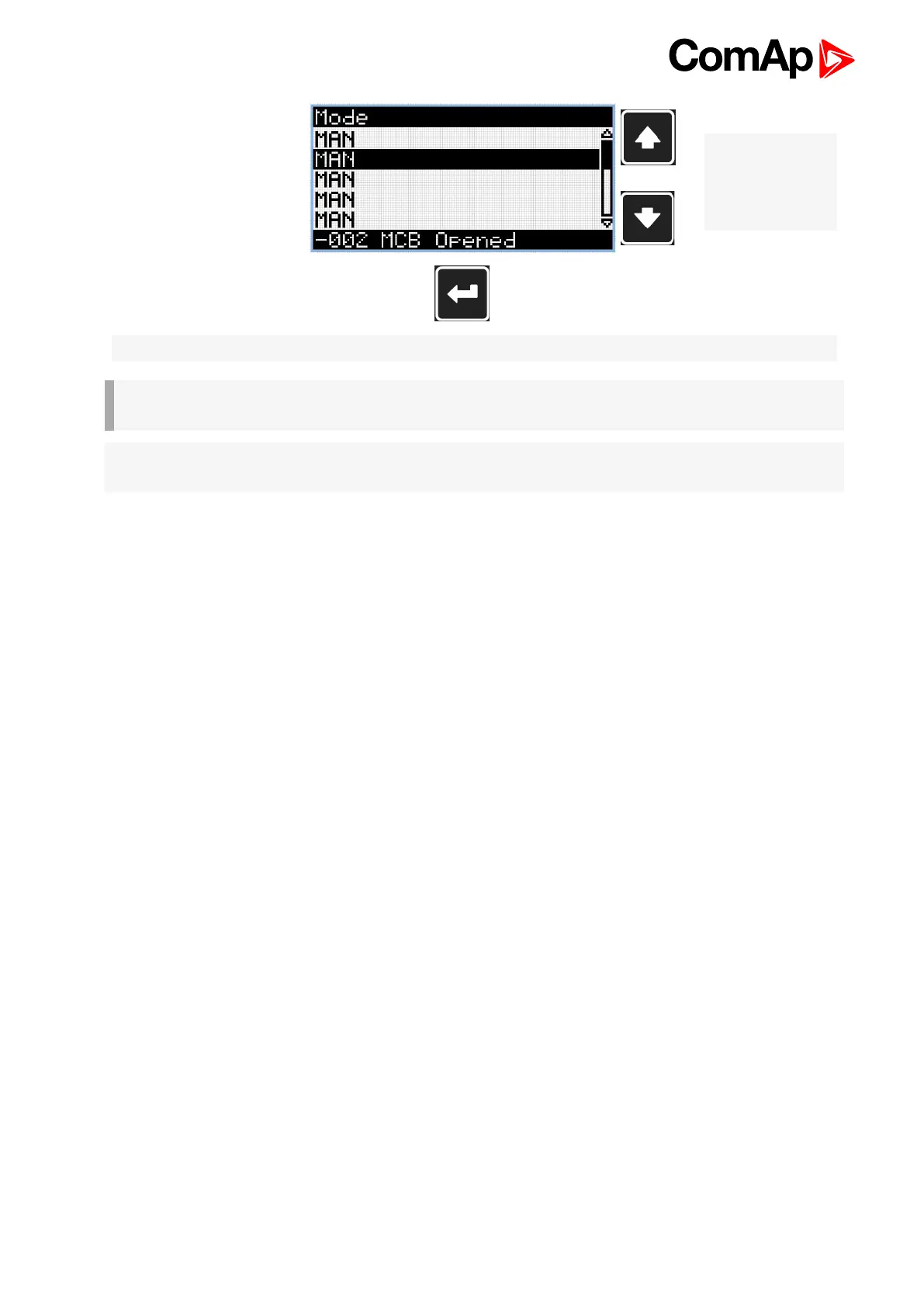
Note: Use Up and
Down button to
select required
alarm reason.
Note: Use Enter button to move to the first page of history log.
IMPORTANT: The records are numbered in reverse order, i.e. the latest (newest) record is "0" and
older records have "-1", "-2" etc.
Note: This is only basic history record. There can be some additional screens in case that in controller is
extension module or ECU is configured. Also it depends on connection type.










 To Next Page