InteliGen 200 Global Guide
35
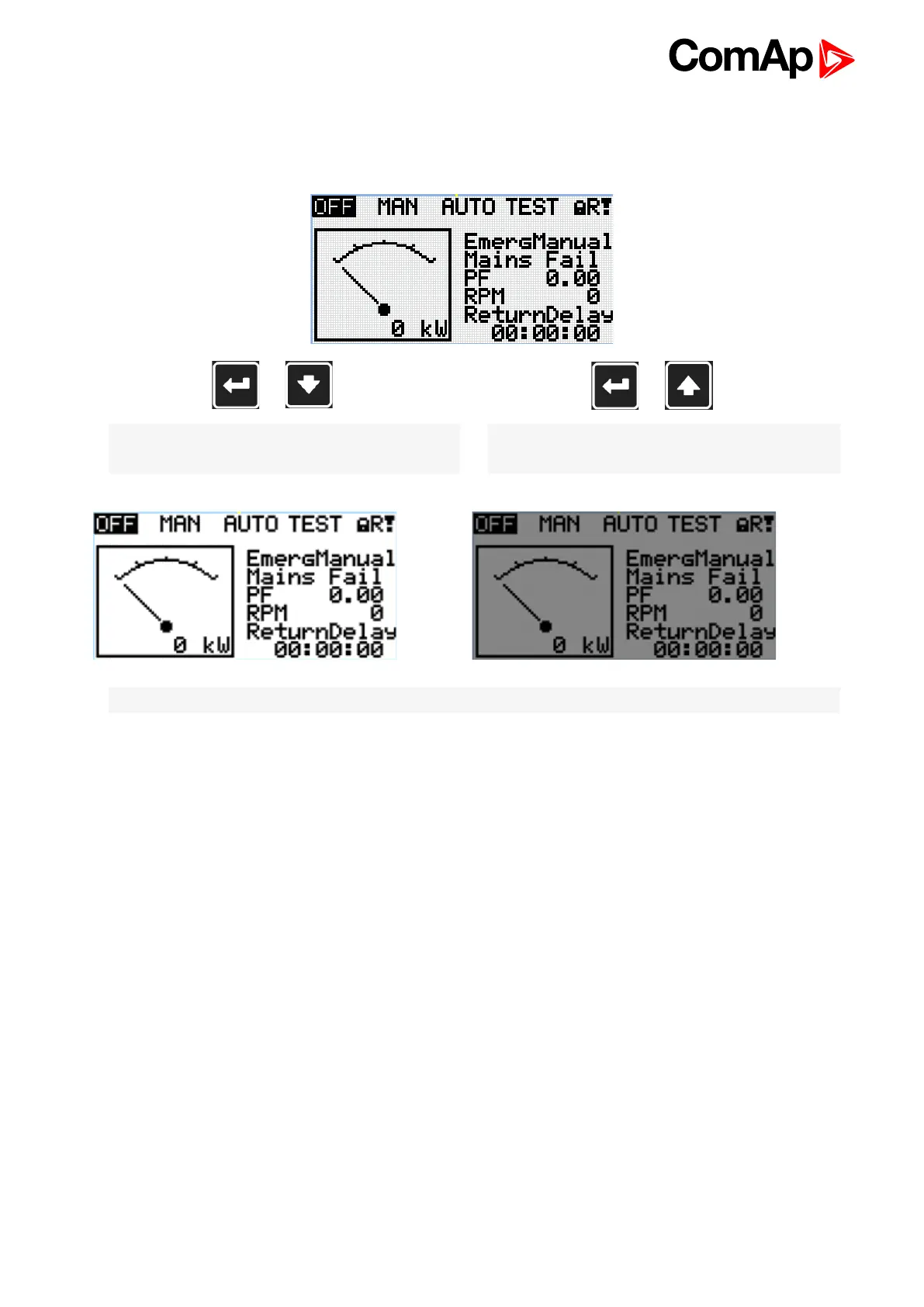
8 Display contrast adjustment
+
Note: On any measurement screen press Enter and
Down button together for lower contrast.
+
Note: On any measurement screen press Enter and
Up button together for higher contrast.
Note: After setting a contrast, no another action is needed.










 To Previous Page