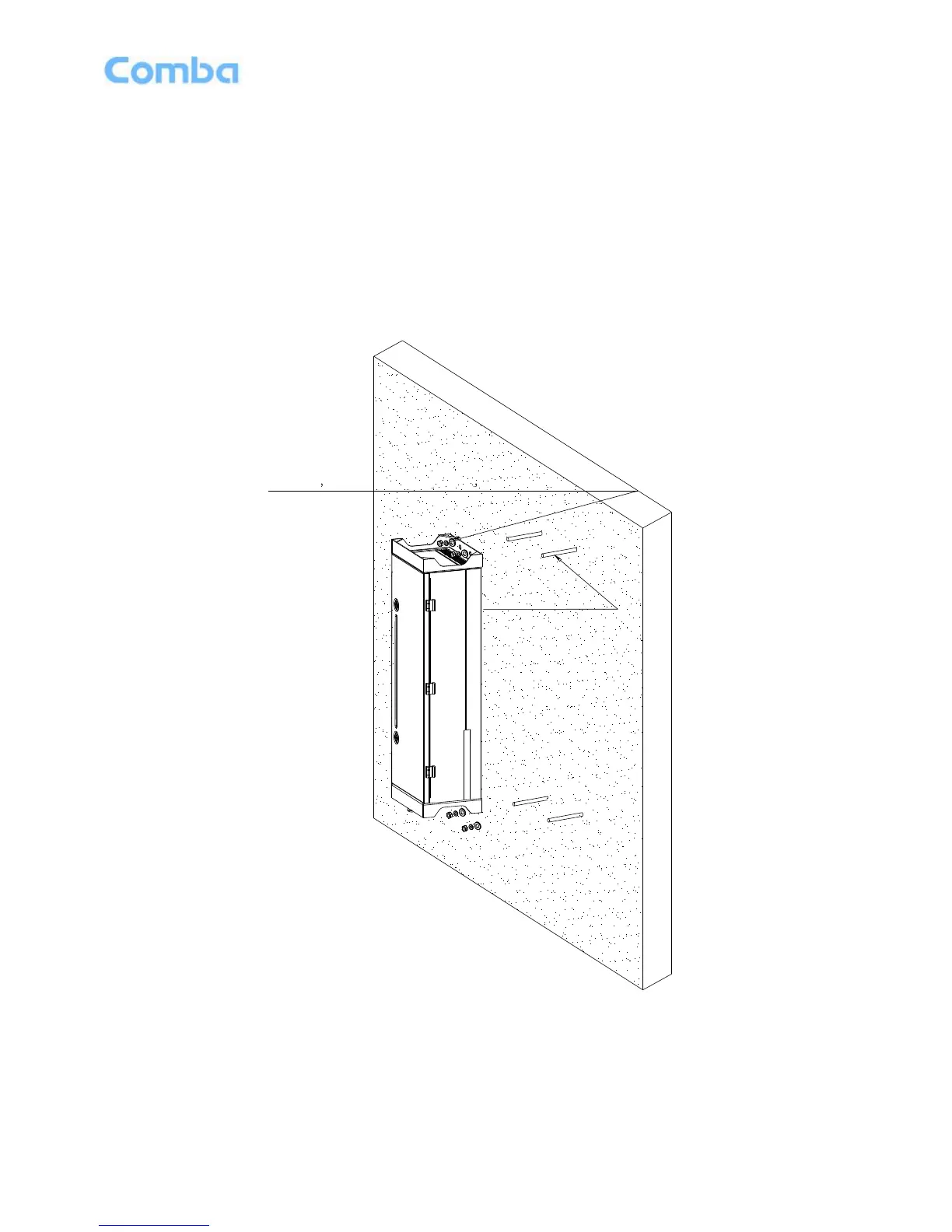
3.3.6 WALL MOUNTING OF RU
Wall mounting steps are shown as below.
Step 1: Punch mounting holes of monsery bolts in the wall according to the spacing size of the RU
mounting holes.
Step 2: Fix four monsery bolts (M10×110) in the wall.
Step 3: Hook the enclosure on the mansery bolt, and then tighten four M10 nuts on top and bottom
of the enclosure.
Step 4: Check if the chassiss be firmly installed, ensure the lock and hasp are fastened.
Step 5: Finish installation.



 To Next Page