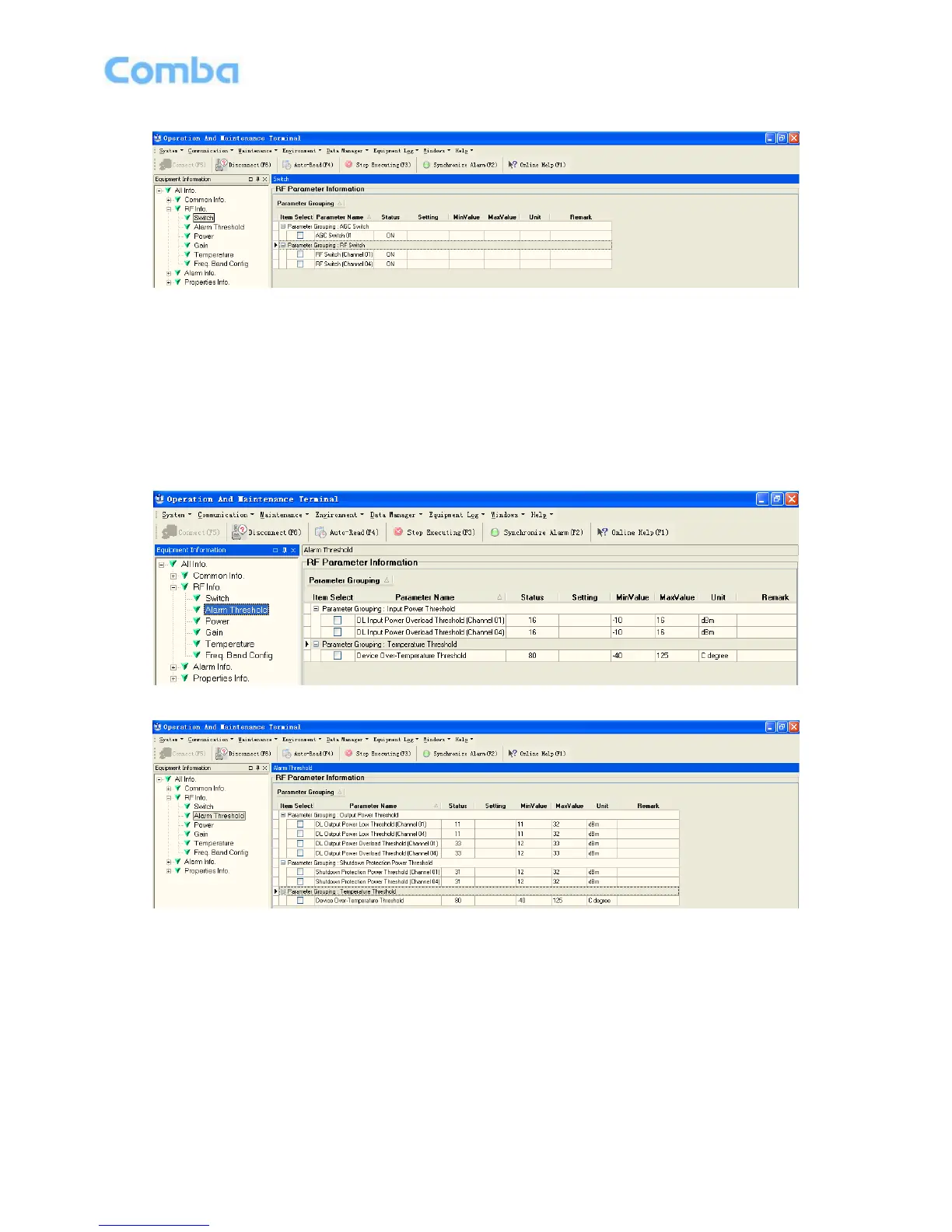
Figure 30: RU Switch
Config:
Select the required state in setting columns of RF information window for RF switch, then press [Enter] or
[Config] button to finish the configuration operation.
Alarm Threshold
Users can set alarm threshold according to the specific situation. If the measured value is lower than the
threshold lower limit or more than the threshold upper limit, the appropriate alarm will be generated.
Figure 31: MU Alarm Threshold
Figure 32: RU Alarm Threshold
Config:
Enter the required value in setting columns of RF information window for Alarm threshold, and press
[Enter] or [Config] button to finish the configuration operation.



 To Next Page