Managing Rules
Rules are flexible methods for generating
a variety of system actions (such as sending
an SMS or turning on a light) whenever
something else happens under (potentially)
very specific circumstances.
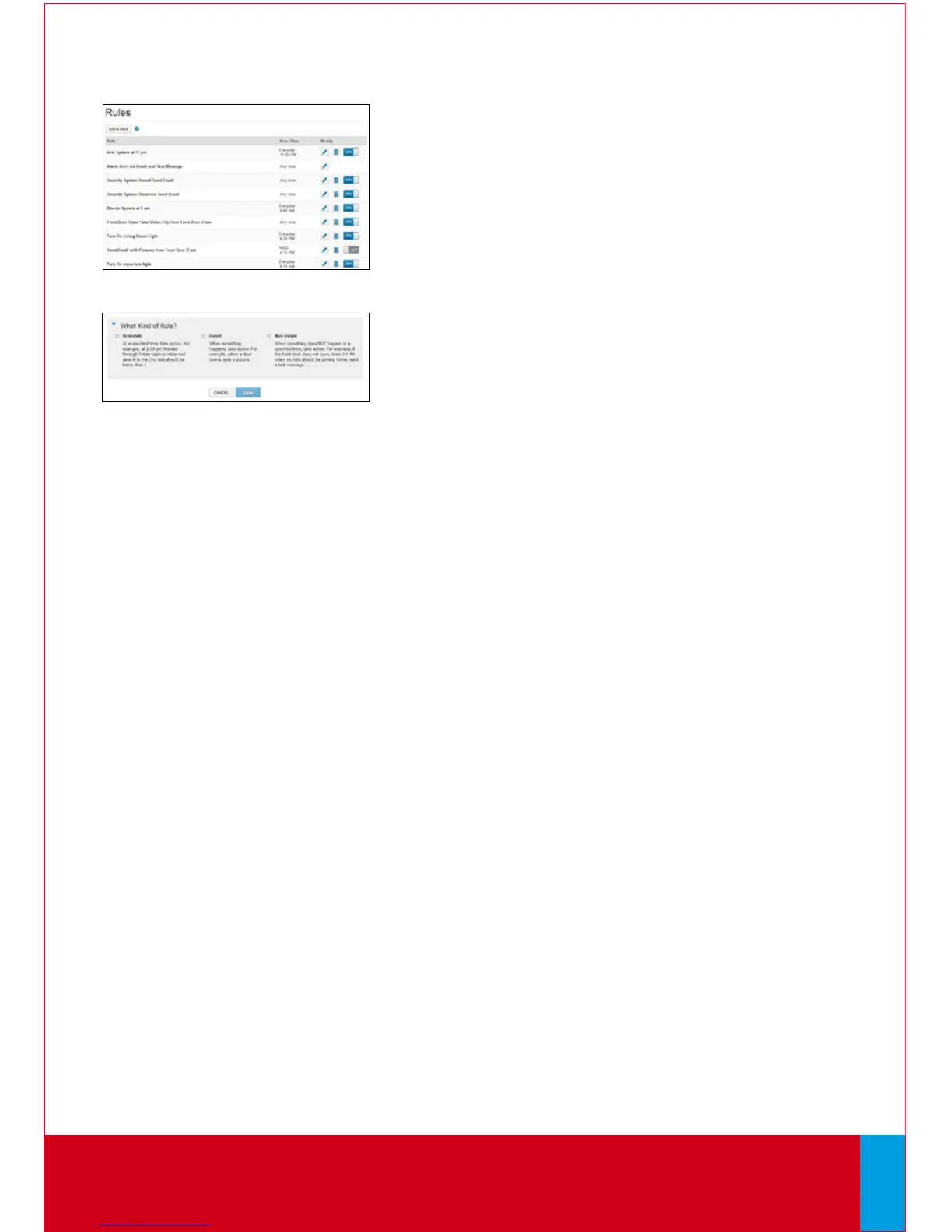
To manage rules, click [Rules] on the toolbar.
The Rules screen is displayed.
To add a rule, click [Add Rule] and determine
which type of rule you’d like to configure:
• Schedule — Actions occur regularly at
specified times, dates and date ranges
without regard to an additional event.
• Event — Actions occur when a specified
event occurs at a security zone (door,
window, motion sensor, smoke alarm, etc.).
• Non-event — Actions occur when an
expected event does not occur at a security
zone. For example, send an SMS notification
if the front door does not open between
3:30pm and 5pm on Monday through Friday
when the kids are expected home.
Web Access continues on next page...
QUESTIONS?
Learn more and watch How-To Videos at comcast.com/XFINITYHomeSupport
21



 To Next Page