01 //
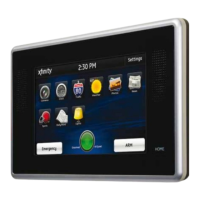
TOUCH SCREEN CONTROLLER
The interactive Touch Screen Controller acts as the
control center that enables you to operate your security
system and interact with your home at the touch of
a button. Use it to arm and disarm your system, view
live video from cameras placed in your home, change
light settings and view real-time Web content, all from
the full-color display. The following section provides an
overview of your Touch Screen Controller and offers
quick tips on how to use the various features.



 To Next Page