Is someone trying to break in?
Be the first to know with our Window
Sensor. Receive a text message and
emailed photo when a window opens
while the monitoring service separately and
automatically alerts the police.
Make sure your lights are on when you
need them.
How can I ensure my home is always well lit?
Always return from work to a well-lit home
with our Light Switch. Schedule your lights
to turn on at sunset and off at sunrise
every day.
How can I save energy with everyday
activities?
Use our Light Switch with Dimmer to
automate how much energy you use.
Turn on lamps during the day at a dim
setting of 60%.
Look after your pets when you’re away.
Are they behaving while I’m at work?
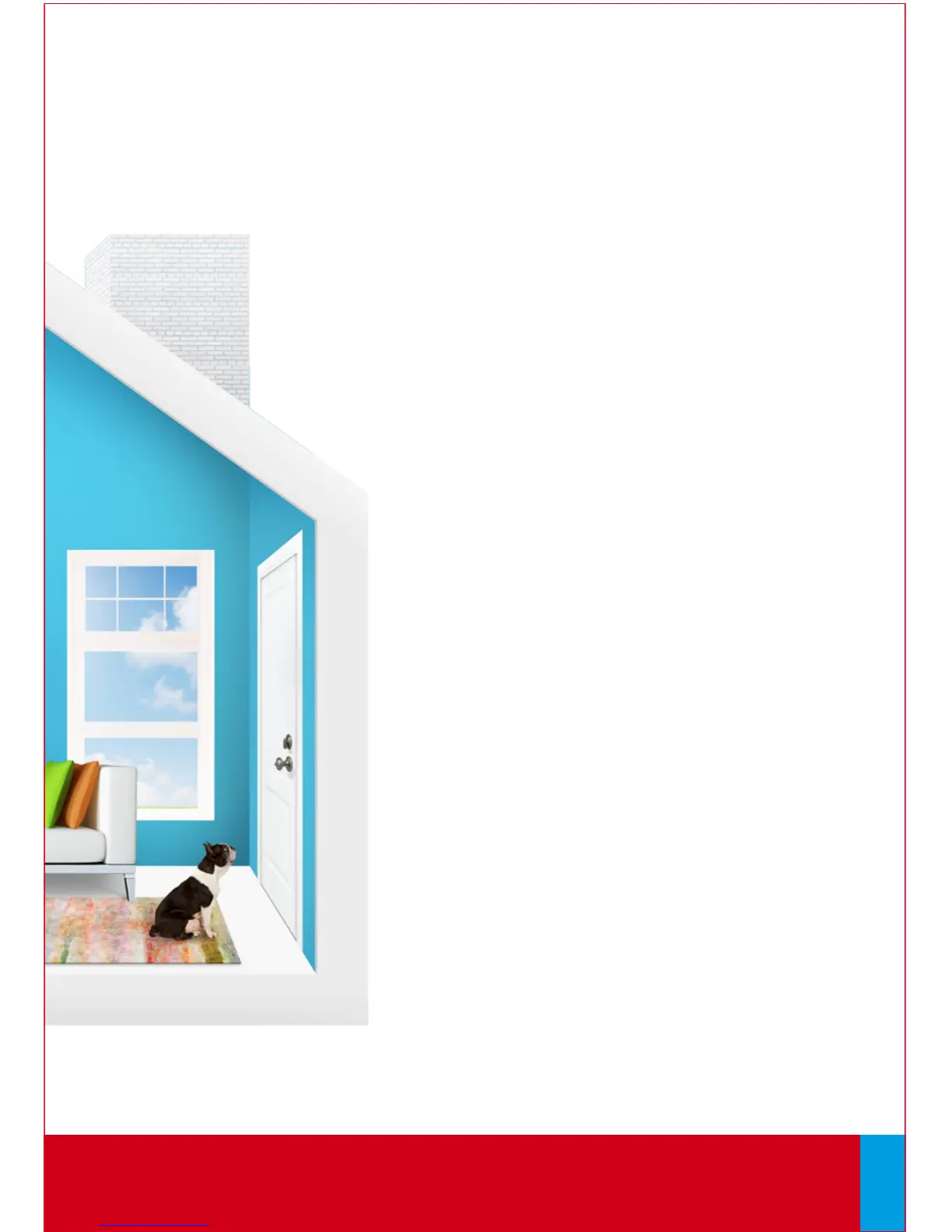
Check in on your dog’s activities with our
Camera and Motion Sensor. Take a picture of
your living room when motion is detected
and receive it by email between 9am and
5pm on weekdays.
Did the dog walker come while I was out?
Know exactly when your dog was let out
with our Door Sensor. Receive a text
message when your front door opens
between 9:30am and 4:15pm on weekdays.
QUESTIONS?
Learn more and watch How-To Videos at comcast.com/XFINITYHomeSupport
Web Access continues on next page...
24



 To Next Page