22
FCC Statements
FCC Compliance Statement — PART 15.19
This device complies with Part 15 of the FCC Rules. Operation is subject to the
following two conditions:
1. This device may not cause harmful interference, and
2. This device must accept any interference received, including interference
that may cause undesired operation.
FCC Interference Statement — PART 15.105 (B)
This equipment has been tested and found to comply with the limits for a Class
B digital device, pursuant to Part 15 of the FCC Rules. These limits are designed
to provide reasonable protection against harmful interference in a residential
installation. This equipment generates, uses and can radiate radio frequency
energy and, if not installed and used in accordance with the instructions,
may cause harmful interference to radio communications. However, there is
no guarantee that interference will not occur in a particular installation. If this
equipment does cause harmful interference to radio or television reception,
which can be determined by turning the equipment off and on, the user is
encouraged to try to correct the interference by one of the following measures:
• Reorient or relocate the receiving antenna.
• Increase the separation between the equipment and receiver.
• Connect the equipment into an outlet on a circuit different from that to which
the receiver is connected.
• Consult the dealer or an experienced radio/TV technician for help.
RF Exposure Information
This equipment complies with FCC radiation exposure limits set forth for an
uncontrolled environment. In order to avoid the possibility of exceeding the
FCC radio frequency exposure limits, human proximity to the antenna shall not
be less than 20cm during normal operation.
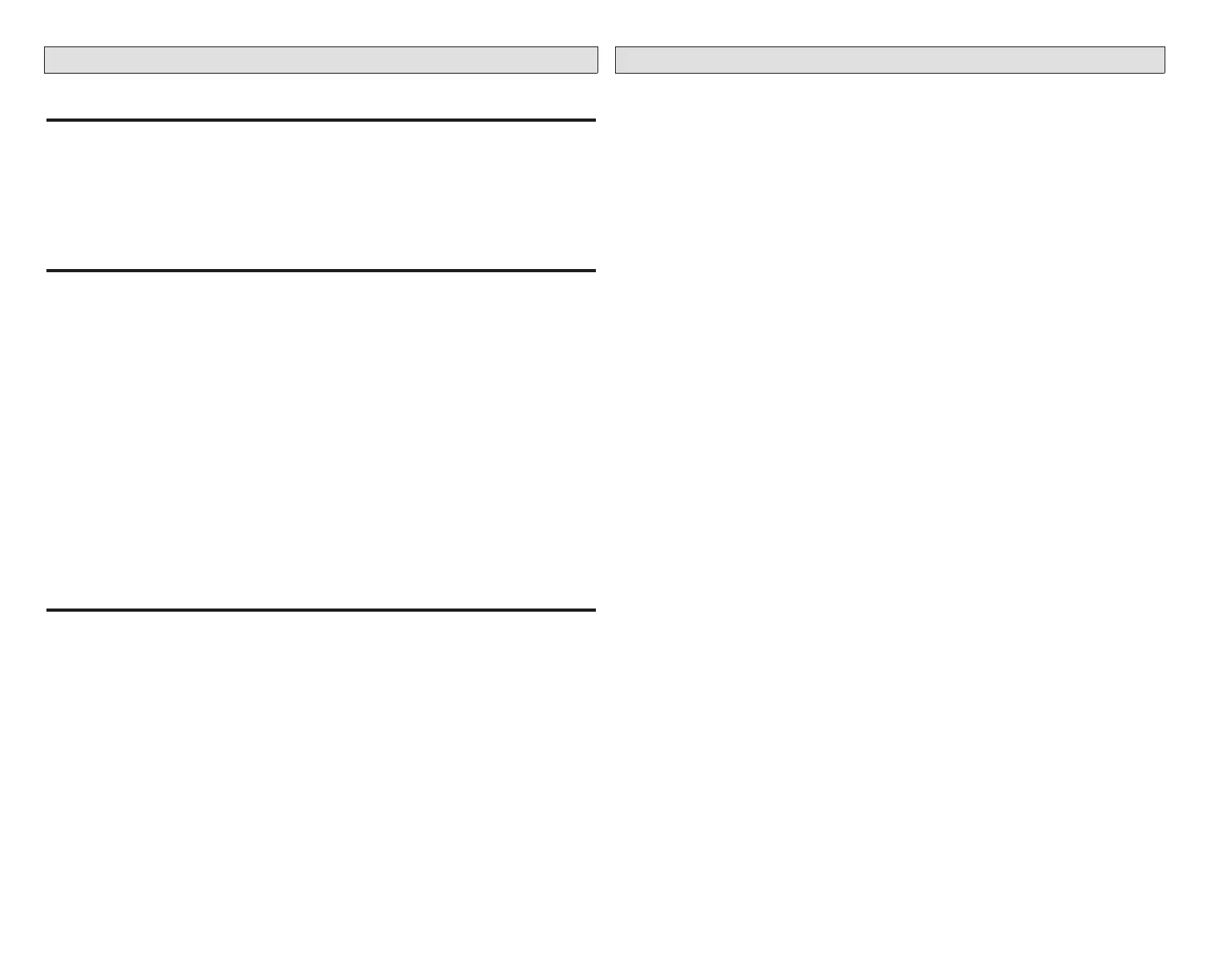
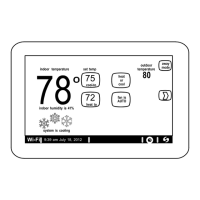
Comfort Sync A3 Thermostat App
This app is designed to be used with the Allied Comfort Sync A3 Thermostats.
The Comfort Sync A3 Thermostat App allows the user to control their HVAC
system from anywhere in the world as though they were standing in front of
your own thermostat.
App Features
• Adjust and view your house temperature from anywhere in the world
• Edit and view your thermostat schedule
• Away Sync™ Mode* uses the location on your mobile phone to detect
when the house is empty and automatically change the temperature to a
more energy-efcient setting. When a family member is on the way home it
automatically returns the temperature to its regular setting
• Much like a weather report will use a temperature and wind speed to
determine a Wind Chill index to indicate the perceived temperature, the True
Temp™ Temperature takes into account indoor and outdoor temperature
and humidity to make a home feel exactly like the homeowner desires.
Therefore, when the thermostat is set to 72 degrees, a home will “Feel Like”
72 degrees year-round
• Allergy Sync Technology on the thermostat gives immediate allergy relief
by monitoring air quality and pollen levels outside. When high levels of
pollutants and allergens are detected, the fan automatically turns on to keep
the home’s air clean
• The thermostat’s advanced warning system predicts problems before they
happen and alerts the homeowner
• Safety protection noties you if your house gets too hot or too cold
• Get alerts, reminders and advanced warnings from your system wherever
you are
You must own an Allied Comfort Sync A3 thermostat to use this app. The
thermostat must also be connected to your home’s Wi-Fi router before the app
can control the settings. For more information go to https://www.comfortsync.
com


 To Next Page