9
Manual Away
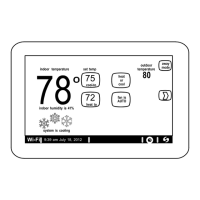
The user can manually put the system into away mode by pressing the “away”
icon. When the system is in away mode, the horseshoe is grayed-out and
shows the “away” status text. In order to exit away mode, the user can press
the “cancel” icon. In away mode, the away set points are used to control the
system. The user can modify the away set points from the default values in
menu > settings > away.
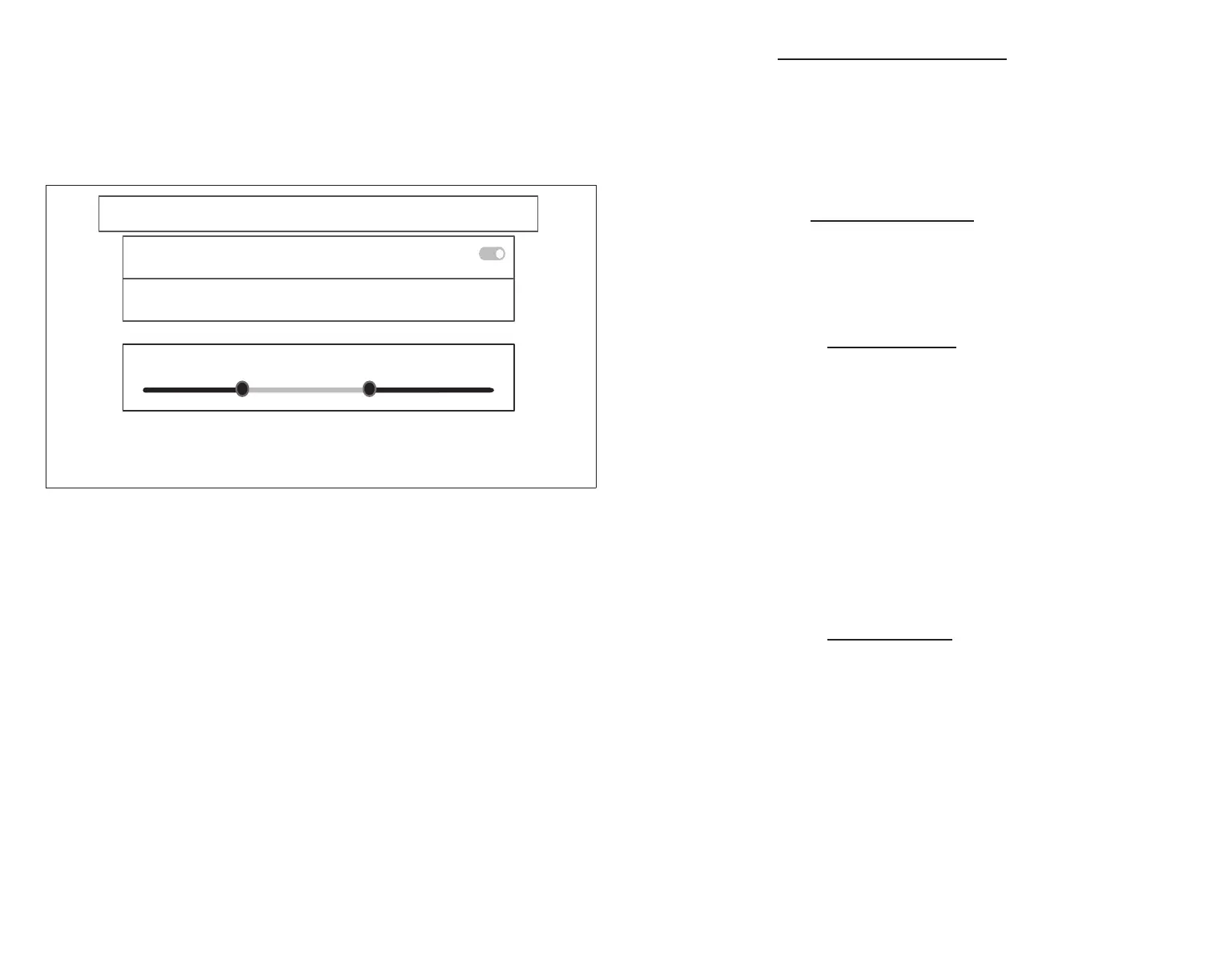
away
away sync
Use the Comfort Sync app to control the temperatures in your home while you are away
reset away sync
Turn participate off in all mobile devices (there are currently 2 mobile devices participating)
on
min
away set−points
Please make sure to install the Comfort Sync mobile App to participate in Away Sync.
You can also configure the away fence in the mobile app.
There are currently 2 mobile devices participating.
85°
55°
Figure 9. Away Settings
Away Sync
Away Sync is a feature that can be enabled once you have created and
registered your account. Both Home Info and Account options must be
completed before this option can be enabled.
The Away Sync feature depends on:
• Comfort Sync A3 Thermostat App running on your mobile device (smart
phone or tablet) and being logged in to your account.
• Requires Wi-Fi and location settings to be enabled on your mobile device.
Android devices must also have the location mode set to “high accuracy.”
Consult your mobile device user guide for instructions.
NOTE: Starting with Android version 10, when allowing the mobile app access
to device location, you must select “Allow all the time” for the Away
Sync feature to work correctly.
Away Sync can also be enabled from your mobile device once you have
installed the Allied Comfort Sync A3 App and logged in. Go to the menu >
settings > away and turn ON Away Sync. To allow the mobile device you are
on to use this feature, turn ON participate. The away fence option will appear
and by default, the setting is two miles (3 km). The range for this setting is 2 to
6 miles (3.00 to 9.50 km).
Inner and Outer Away Fences
The inner away fence is set by the user anywhere between 2 to 6 miles (3.00 to
9.50 km) on the mobile app. This setting can be different for each participating
mobile device. When any of the participating mobile devices are located inside
of its inner away fence, the system will not be in Away Sync; the system will
use the temperature set points dened by the schedule or what was manually
set. Once the inner away fence is set, the outer fence for each participating
mobile device will be automatically calculated by the Away Sync algorithm.
Transition Set Points
When the closest participating mobile device is between the inner and outer
away fences, the thermostat will show the Away Sync indicator. The system will
use transition set points to heat or cool the home. The transition temperature
set points are automatically calculated by the Away Sync algorithm using a
combination of the home and away set points.
Away Set Points
Once all participating mobile devices have moved outside the transition range,
the thermostat will continue to show the Away Sync indicator, and the user-set
away set points will be used to control the system.
Example: Away set points are 65ºF (18.5ºC) for heating and 85ºF (29.5ºC) for
cooling. When the away fence is set to two miles for all participating mobile
devices, and the closest participating mobile device is within the 0-2 mile (0
to 3.22 km) range of the home, the system is considered home; the system
will use the set points from the schedule or what was manually set. If the
closest participating mobile device moves into the 2.1 to 8 miles (3.40 to 13.04
km) range, the system is considered in transition, and the system will start to
either increase or reduce the heating or cooling set point. Once all participating
mobile devices have moved beyond the 8.1 mile (9.50 km) range from the
house, the system sets the set points to the away set points (65ºF for heating
and 85ºF for cooling).
Multiple Devices
It is possible to have more than one mobile device participating in Away Sync
for this system. The away fence can be set to the same value or different
values for each mobile device. The thermostat will not show the Away Sync
indication until all devices have moved past their inner away fence, and the
system will not reach the user-set away set points until all devices have moved
past their outer fence.
NOTE: Away Sync will be canceled when the system is enrolled in energy
savings with a utility provider and a energy saving event is active.


 To Next Page