Operating Manual
22
69-2687EFS— 03
MCR32983
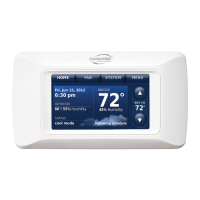
Clean Screen
Menu: Clean screen
Press YES to lock screen for cleaning
Do NOT spray any liquid directly on the
thermostat. Spray liquids onto a cloth, then
use the damp cloth to clean the screen. Use
water or household glass cleaner. Avoid
abrasive cleansers.
Use this feature to lock the screen so
you can clean it without changing any
settings. A countdown timer will show
elapsed time until the screen is
reactivated.
Scroll to select CLEAN SCREEN
MENU
Press MENU


 To Next Page
 Loading...