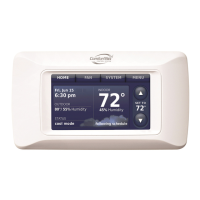
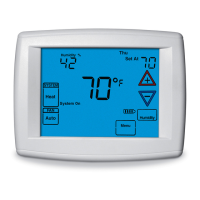
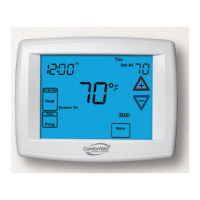
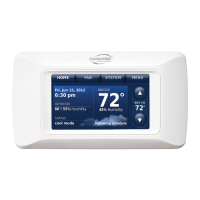
ComfortNet™ Communicating Thermostat
25
69-2687EFS— 03
Advanced features
Adaptive Intelligent Recovery (residential use only)
Over time, the ComfortNet™ communicating
thermostat “learns” how long it takes
your system to provide the temperature you want. It turns on the heating or cooling
system earlier to make sure you’re comfortable at the time you expect.
Dehumidification Away Mode
Your system can be set to control indoor climate while your home is vacant
during the humid season. Before you leave, press MENU, then select
DEHUMIDIFICATION AWAY MODE. Temperature and humidity will be kept at levels ade-
quate to protect your home and possessions while you are away. When you return,
press CANCEL to resume normal operation.
Compressor Protection
This feature protects your air-conditioning system by forcing the compressor to pause
before restarting, to prevent damage. During this brief pause, the message “Waiting
for Equipment” is displayed on screen.
Pre-occupancy Purge (commercial use only)
This feature turns on the fan 1 to 3 hours before each “occupied” time period, to pro-
vide a comfortable work environment when you arrive.


 To Next Page
 Loading...