Indicator light is o when unpaired; Blue light keeps on after paired successfully;
Red light flicker when low power; Red light keeps on when charging
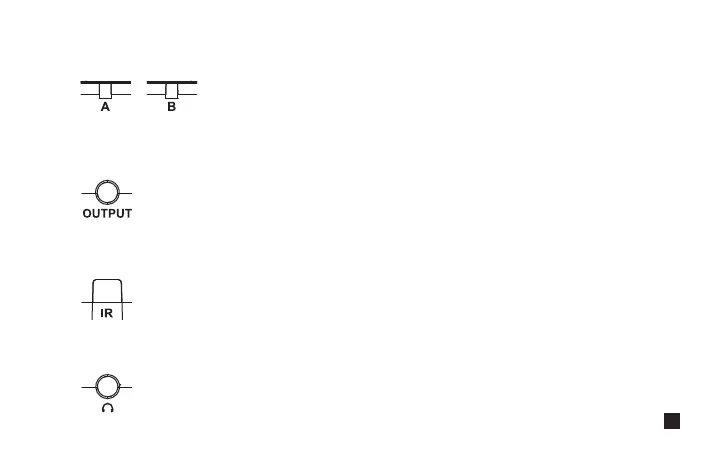
5. Group A /B Working Status Indicator
Connect with mobile phone through the 3.5mm TRS-TRRS audio cable; Connect with camera through the 3.5mm
TRS-TRS audio cable
6. 3.5mm TRS Audio Output Port
It's paired successfully only when the receiver and transmitter's IR sensor are closely aligned
7. IR Sensor
Insert headphone to monitor
8. 3.5mm TRS/TRRS Monitoring Port
13


 To Next Page