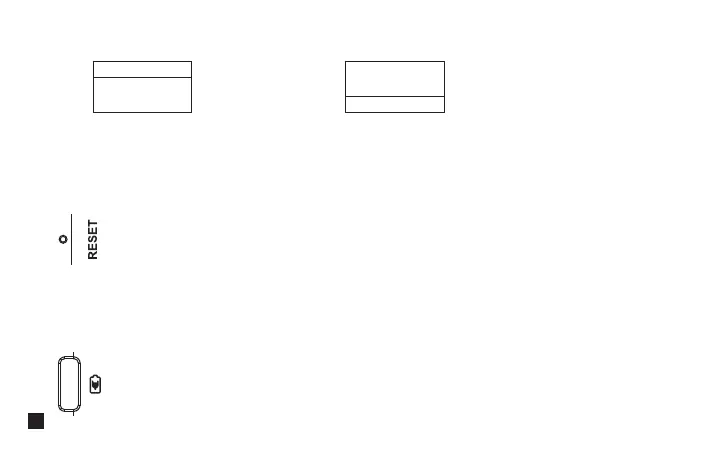
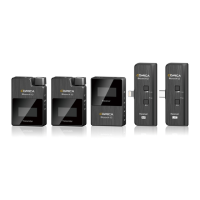
If there is an abnormal phenomenon such as the device is crash or unable to turn on it, then insert the reset pin
into the reset hole to reset it
10. Reset Hole
Connect the receiver with the 5V power through the USB A-USB C charging cable to charge
11. USB-C Charging Port
You can flip the screen 180 degrees to use according to dierent scenes
9. Screen Flip Function
(Normal Display) (After Screen Flips 180 Degrees)
Menu
Screen Flip
O
Menu
Screen Flip
On
14


 To Next Page