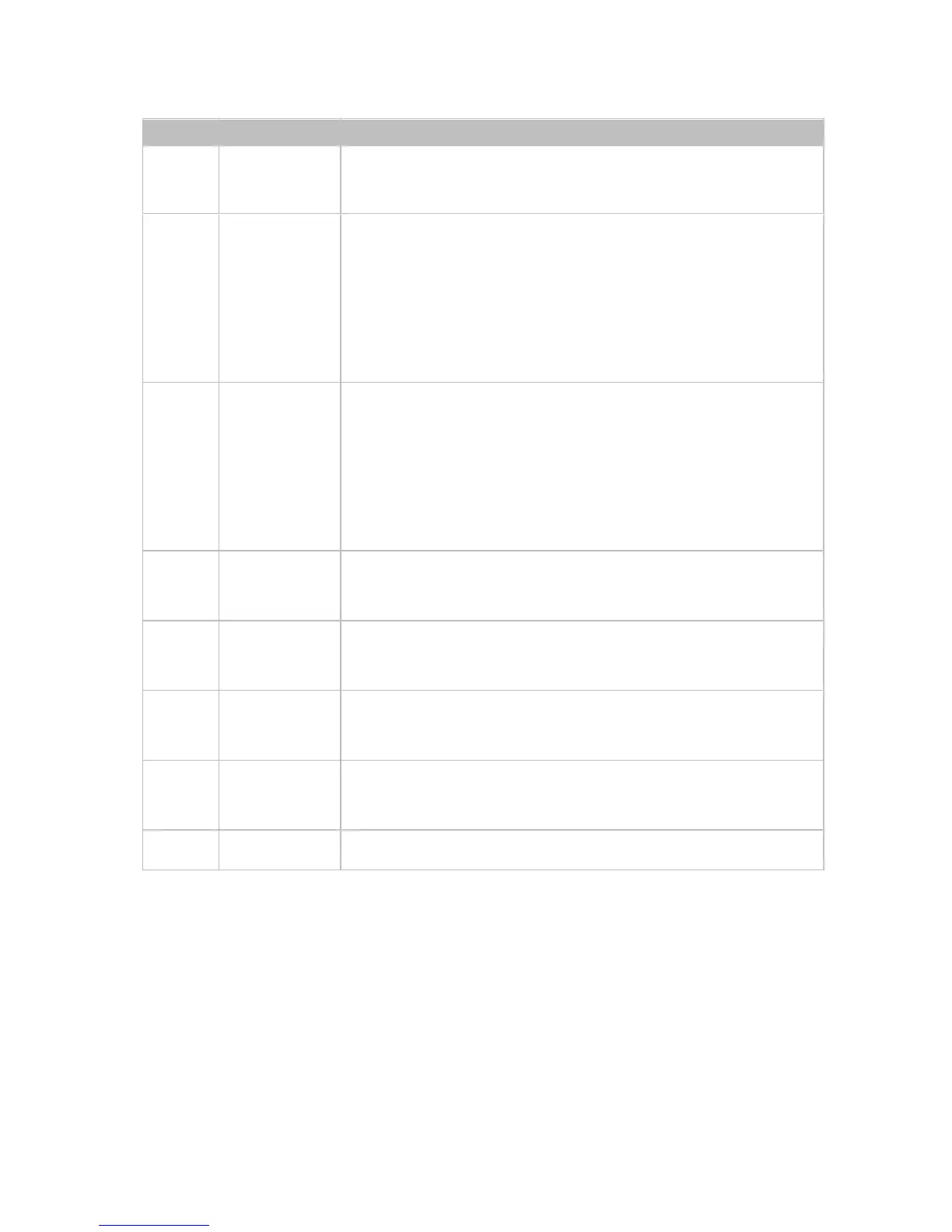
Connects to a controller such as keypad to
switch sources
Connects to a controller such as a keypad to
select HDMI, DP or VGA source directly.
Pin 1 represents HDMI IN, Pin 2 represents
DP IN, Pin3 represents VGA IN. Pin G
represents Ground.
Connects to a controller such as a keypad to
indicate current selected input channel.
Pin 1 represents HDMI IN, Pin 2 represents
DP IN, Pin3 represents VGA IN. Pin G
represents Ground.
Connects to a HDMI display device
Connects to audio system such as an
amplifier
Connects to HDBT input port of any HDBT
device or the other DaisyNET II.
Connects to power supply with 2-pin phoenix
connector


 To Next Page