26
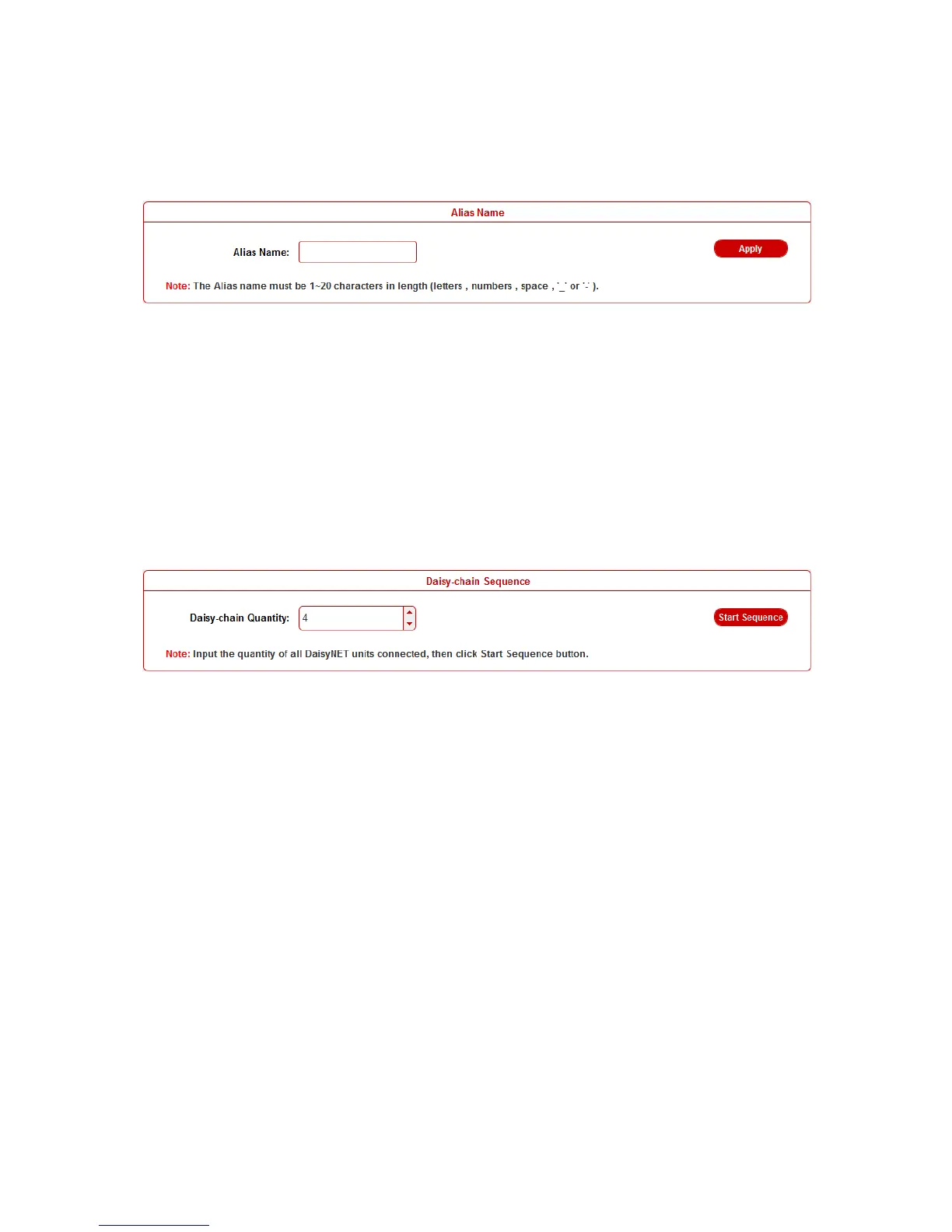
Alias Name
User can modify DaisyNET II name in case of installation issues
when multiple DaisyNET II cascaded.
click Apply button to save modifications.
Note: The Alias name must be 1~20 characters in length, it could
be letters, numbers, space, underscore "_"or dash"-".
Daisy-chain Sequence
User can set the daisy-chain quantity in this column.
When multiple DaisyNET II cascaded, it’s recommended to input
total quantity of devices cascaded in the chain by logging in the
WEB GUI of the first device and then click Start Sequence button.
When any DaisyNET II is removed or added in cascaded
connection, please log in the first device’s WEB GUI in the chain
to reconfigure. By that each DaisyNET II could find out its
sequence in the daisy-chain automatically, and it’s particularly
necessary for Ring-type Connection.
Note: If the Daisy-chain Quantity inputted is more than devices
cascaded in the chain, additional devices would be showed in
black in Status page.


 To Next Page