29
Users should login again.
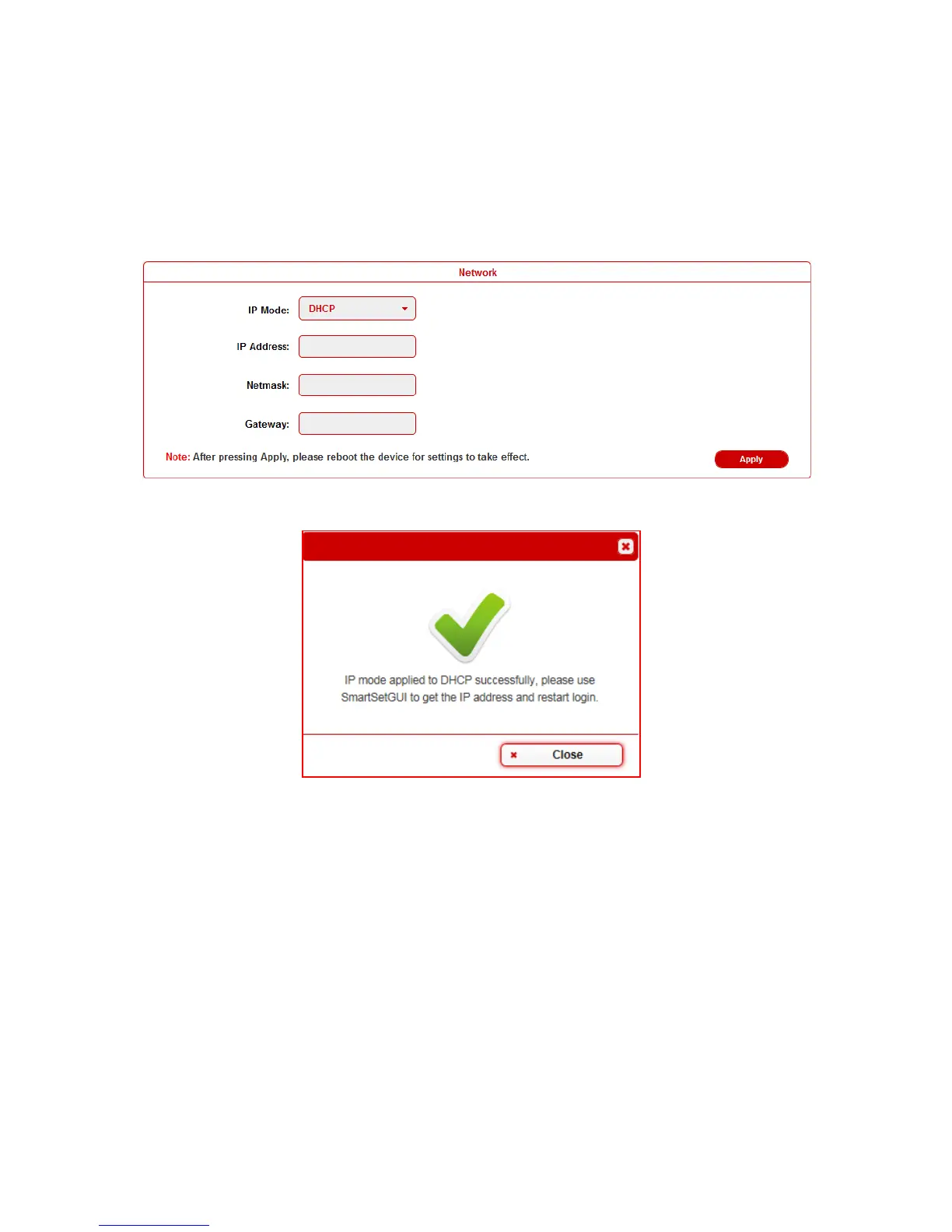
When users choose DHCP and click Apply:
Note: Please ensure the device connected the router successful.
Otherwise the device will not get IP.
This window pops:
By default, the IP address to access the DaisyNET II is Static.
User must configure the IP address of each device firstly and then
start the installation, in case of IP conflicts when multiple devices
connected directly.
Video
This sub-menu is used to perform the following tasks:
Auto Switch
HDCP


 To Next Page