30
EDID
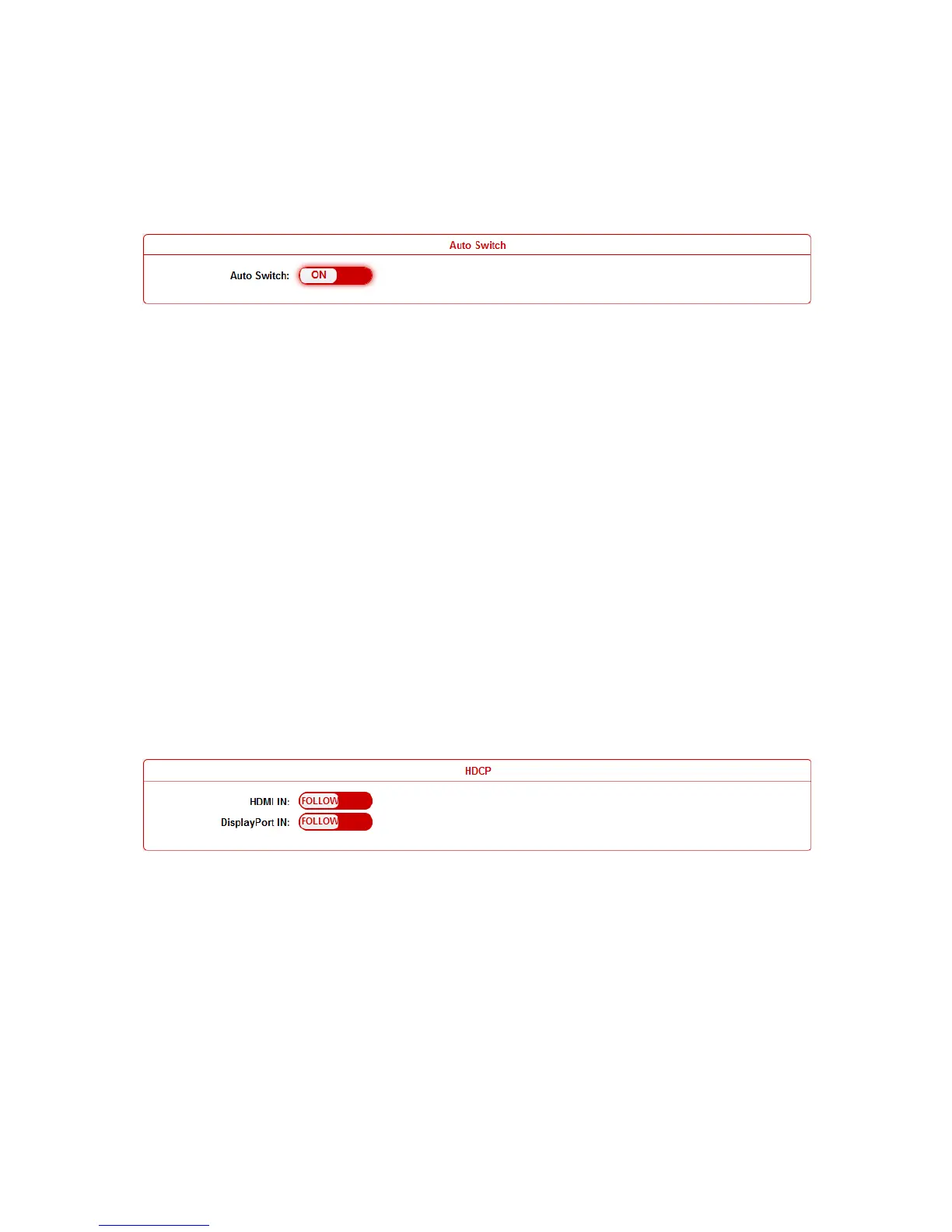
Auto Switch
Users can enable or disable the Auto Switch function in this
column.
If Auto Switch function is on, that means:
Upon detecting a new input, the device will automatically select
the new input.
When an active source is removed or signal output is disabled,
it will switch to an active input by checking their priority, HDMI
has a higher priority over DP, and DP has a higher priority over
VGA
Once power is restored, it will automatically switch to the
source selected before power restored.
HDCP
Users can set the HDCP ON or OFF for both HDMI and DisplayPort
inputs by WEB GUI or Telnet API, which requests specified source
to output encrypted or un-encrypted video.
FOLLOW means the source to output encrypted video.
OFF means the source to output un-encrypted video.
Note: This function is only applied to specified source which could
output encrypted or un-encrypted video depending on the display.


 To Next Page