Vers. 1.0 Page 12
3. Control Software
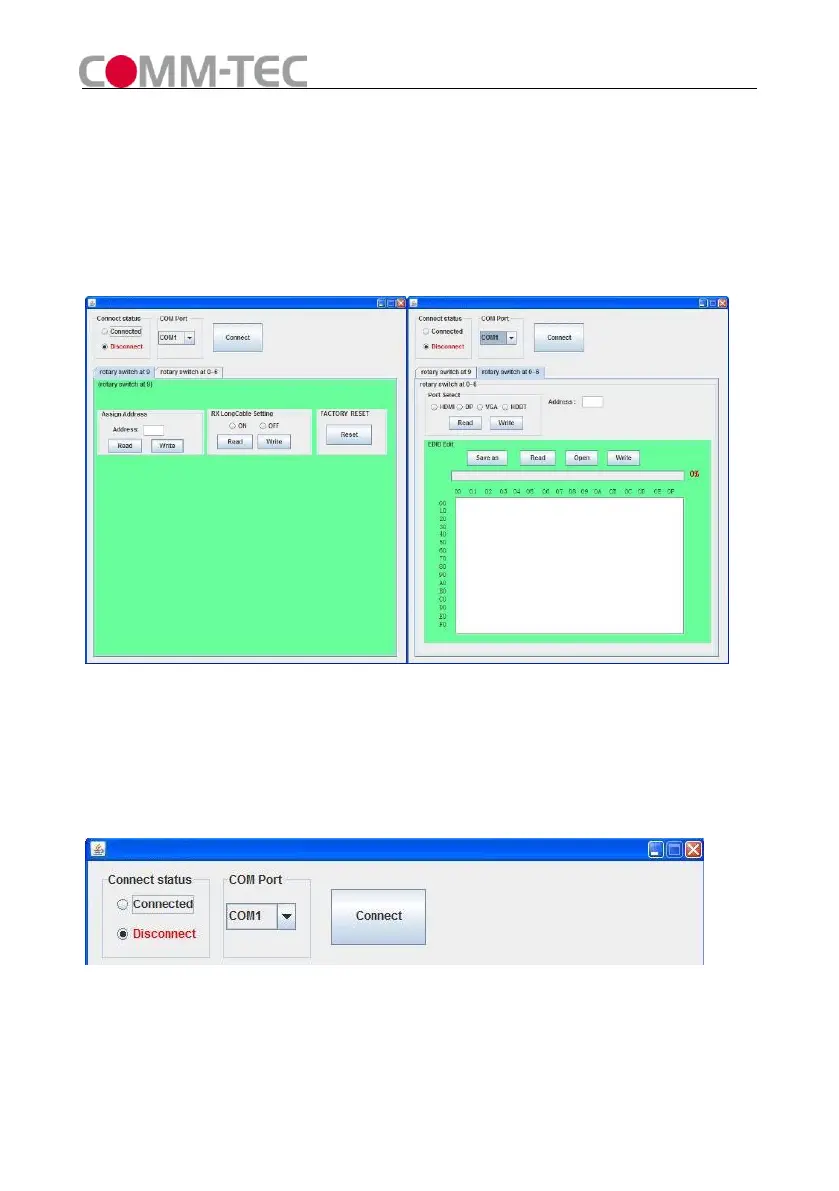
1) The Interface of PC Control Software
Figure 7
2) Connect COM Port
Connect RS232 port to PC.
Select COM Port and Click “Connect” button, if the COM Port is correct the Connect
status will change to Connected.
Figure 8
3) Set Rotary Switcher to position 9
Assign Address:
Type a 2-digit HEX number (from 00 to FF) in address column, click “Write” to set



 To Next Page