18
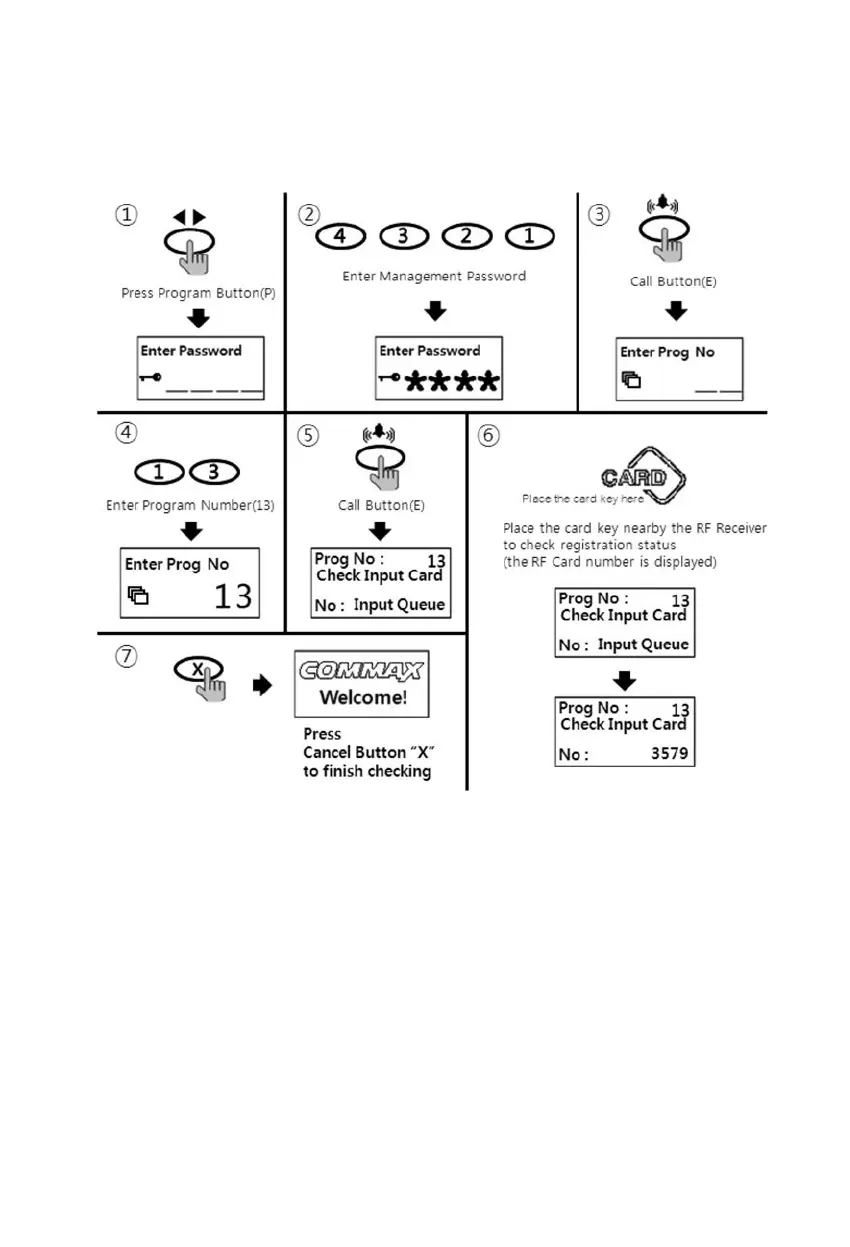
8-4. RF card key registration check way
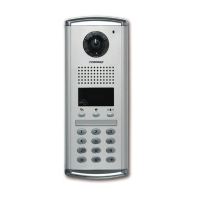
• P- Management password - E - 13 - E - Check the cards - X(Cancel)
① Press Program Button "P"
② Press Management Password
③ Press Call Button "E"
④ Press number "13"(registration check)
⑤ Press Call Button "E"
⑥ Place the card key close to the RF/ID receiver
⑦ Press down X button to finish when check is completed



 To Next Page