19
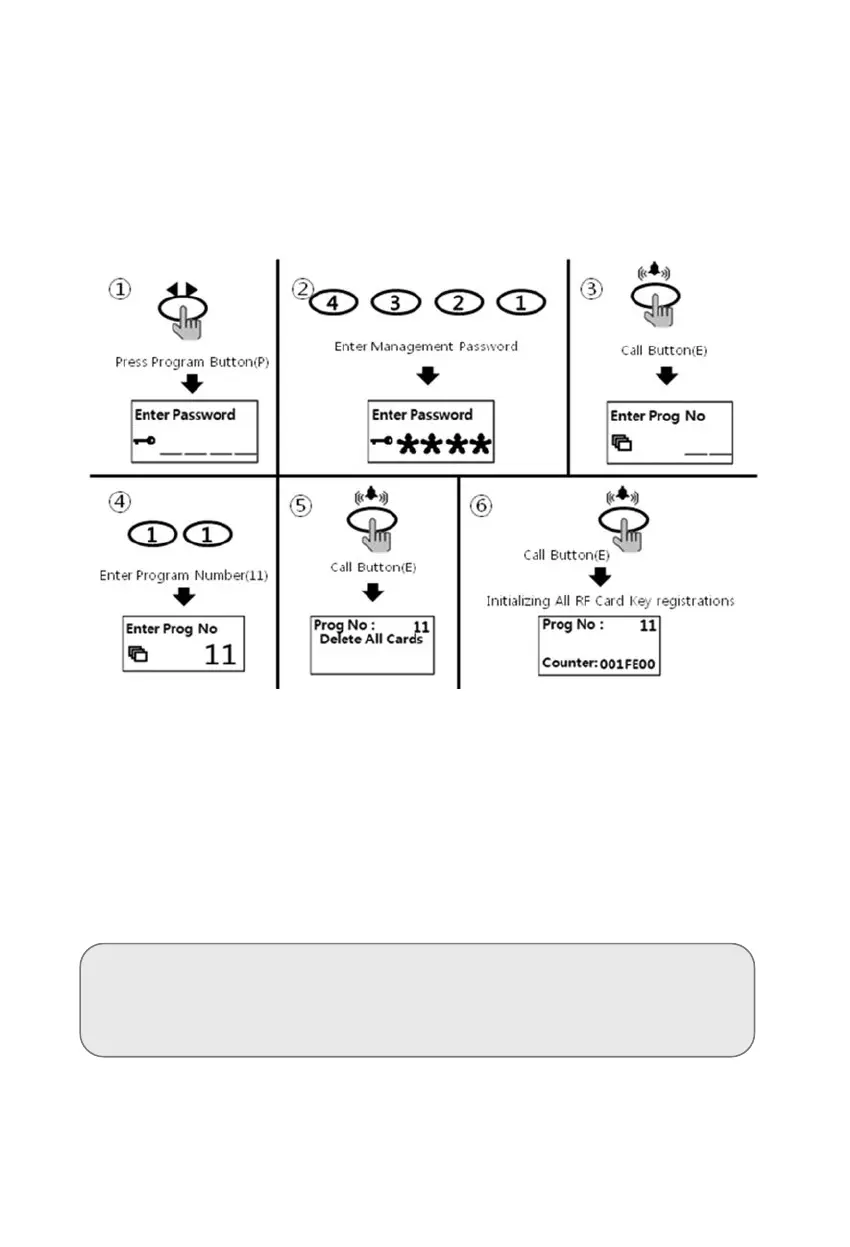
8-5. RF card key all delete way
• P - Management password - E - 11 - E - E
• All deletion way is only useful when initially set up, unless all registered cards are to be
deleted.
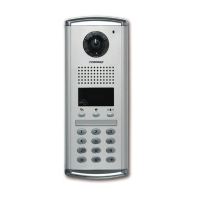
① Press down "P" button
② Press Management Password
③ Press down "E" button
④ Press number "11" (all delete number)
⑤ Press Call Button "E"
⑥ Press Call Button "E" one more
⑦ The number on OLED display to be changed
⑧ Press down X button if to cancel.
<References>
All numbers can be deleted only if the mode "1" in the program
number(23) is selected & executed the all delete process within 30
seconds.



 To Next Page