EasyManua.ls Logo

Commodore A 2091-40 - Page 52

Commodore A 2091-40
75 pages
Print Icon
To Next Page IconTo Next Page
To Previous Page IconTo Previous Page
Loading...
5-16
The
A2091
Installation
Software
Disk
|
5.3.3
Define/Edit
Drive
Type
|
Define/Edit
Drive
Typ
Lu]
Read
Configuration]
Fron
Drive
inders
Beads
Blocks
per
Track
Blocks
per
Cylinder
Reduced
Write
Current
Cylinder
Write
Precomp
Cylinder
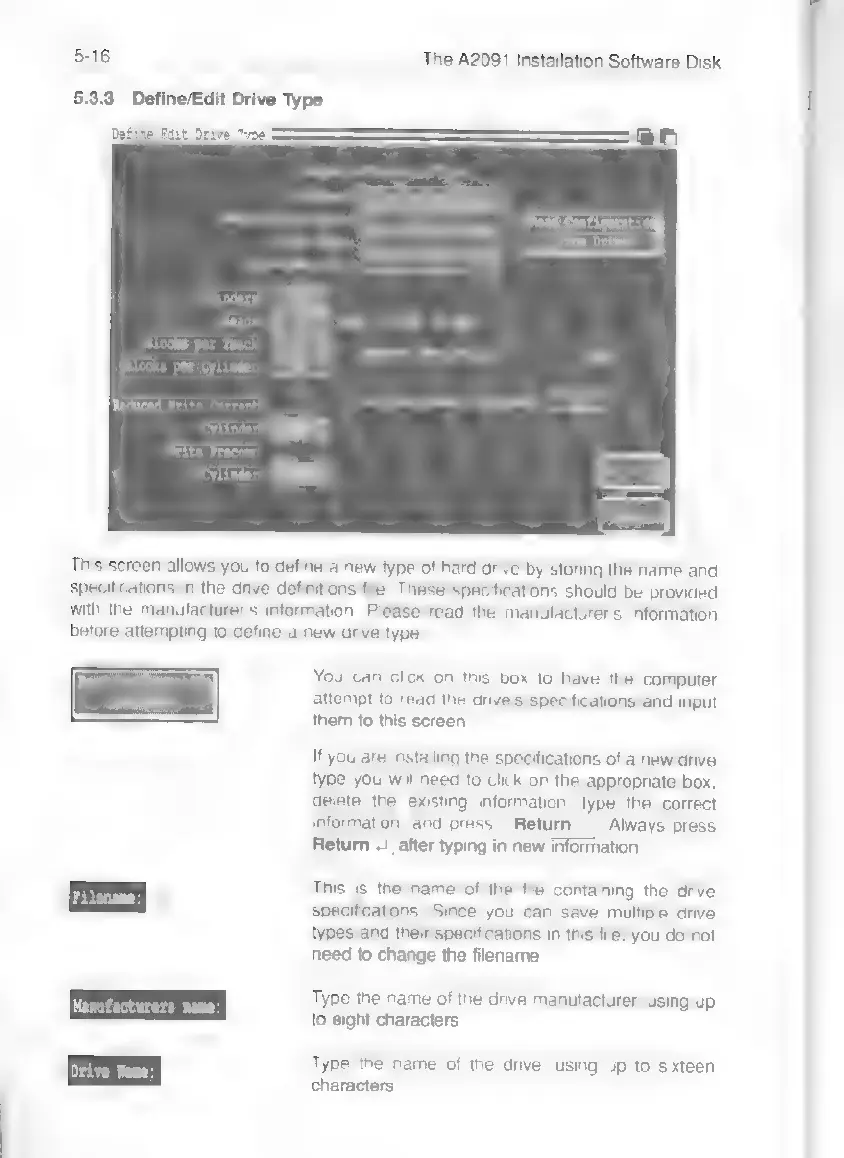
This
screen
allows
you
to
define
a
new
type
of
hard
drive
by
storing
the
name
and
specifications
in
the
drive
definitions
file.
These
specifications
should
be
provided
with
the
manufacturer's
information,
Please
read
the
manufacturer's
information
before
attempting
to
define
a
new
drive
type.
You
can
click
on
this
box
to
have
the
computer
attempt
to
read
the
drive's
specifications
and
input
them
to
this
screen.
If
you
are
installing
the
specifications
of
a
new
drive
type
you
will
need
to
click
on
the
appropriate
box,
delete
the
existing
information,
type
the
correct
information,
and
press
Return
.|.
Always
press
Return
..
|
after
typing
in
new
information.
This
is
the
name
of
the
file
containing
the
drive
specifications.
Since
you
can
save
multiple
drive
types
and
their
specifications
in
this
file,
you
do
not
need
to
change
the
filename.
Type
the
name
of
the
drive
manufacturer,
using
up
to
eight
characters
Type
the
name
of
the
drive,
using
up
to
sixteen
characters.