41
U TURN
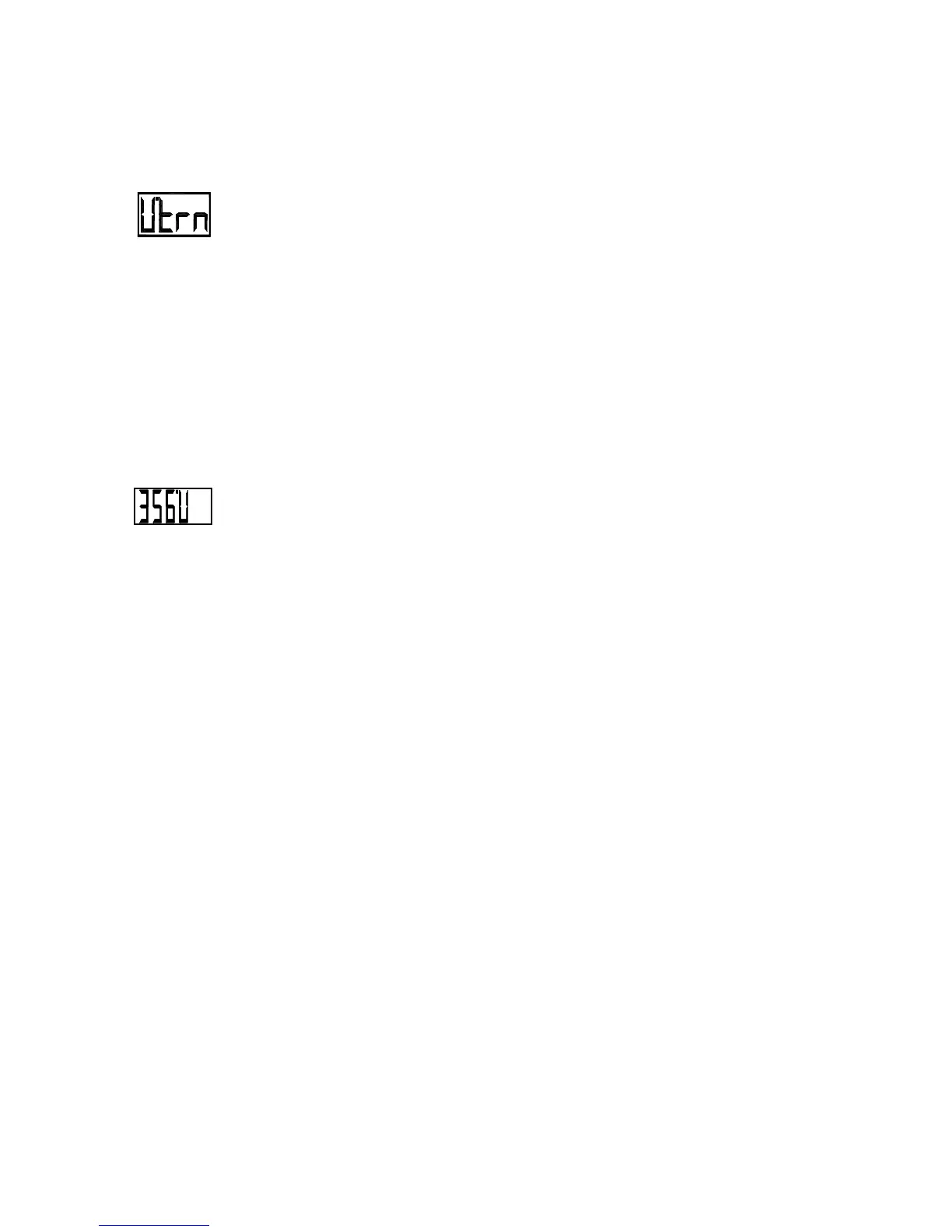
The U-Turn is selected by placing the
autopilot in the STANDBY mode,
pressing the TURN key, followed by
either the red or green ARROW key until
the display shows 'U.trn'. This turn is also
just what it sounds like, a 180 degree
turn.
A U-Turn to port is initiated
by placing the autopilot in
the PILOT mode and
pressing the TURN key followed by the
red ARROW key. The vessel will turn to
port at the rate determined by the Turn
Rate control. Pressing the TURN key
followed by the green ARROW key will
start a similar turn to starboard. Pressing
the TURN key followed by the same
ARROW key during the U-turn will
increase it to a full 360 degree turn.



 To Next Page