50
REMOTE CONTROLS
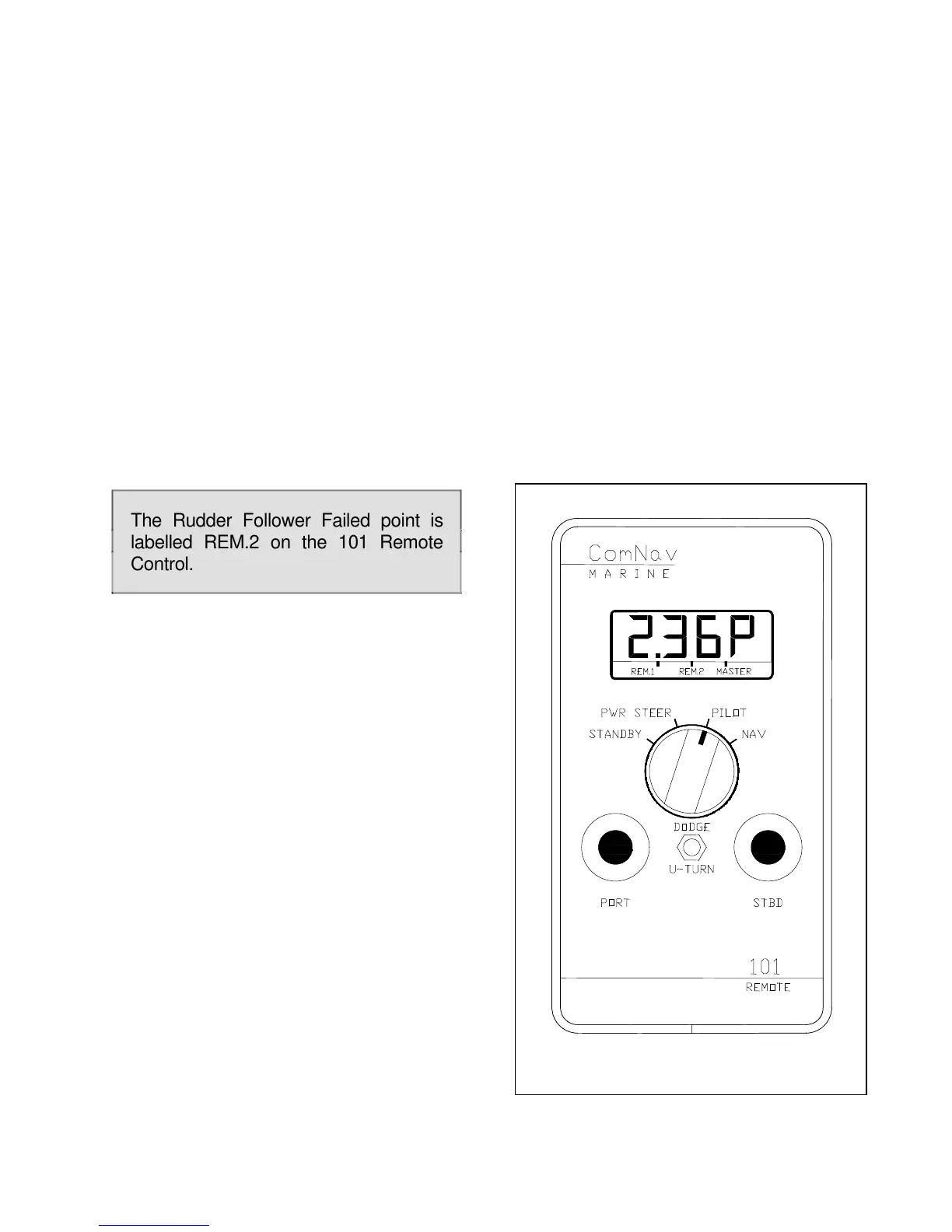
COMNAV 101 REMOTE CONTROL
This remote control plugs into the remote
receptacle on the rear of the autopilot.
Control is taken at the remote by pressing
both its pushbuttons for one second. The
command point on all LCD displays will
move to the REM.1 position.
A display, master select switch,
pushbuttons, and a DODGE/TURN toggle
switch are also included. Its operation is
identical to the operation of the autopilot
except for the toggle switch. All the points
on the display have the same meanings
as on the autopilot display.
Place the master select switch in the
STANDBY position. To display the
currently selected type of special turn,
pull the toggle switch to the TURN
position and release it
To change the currently selected type of
special turn, press either the red or green
pushbutton.
Place the master select switch in the
POWER STEER position. To move the
rudder port or starboard, the red and
green pushbuttons can be used.
The vessel's rudder angle will be
displayed while the pushbutton is
pressed.
To recall the vessel's last course, hold the
toggle switch in the DODGE position and
then rotate the master select switch from
POWER STEER to PILOT.
Place the master select switch in the
PILOT position. The autopilot is now
steering the vessel on its current heading.
or
If the toggle switch was held in the
DODGE position while the master select
switch was rotated to PILOT, the autopilot
will steer the vessel back to its last course
.
Figure 10- 101 Remote Control
The Rudder Follower Failed point is
labelled REM.2 on the 101 Remote
Control.



 To Next Page