1101/1201 Technical Manual
07/19/02 Page 13 1201 - JULY 19 '02
4.2 Removing the back shell to view the wires
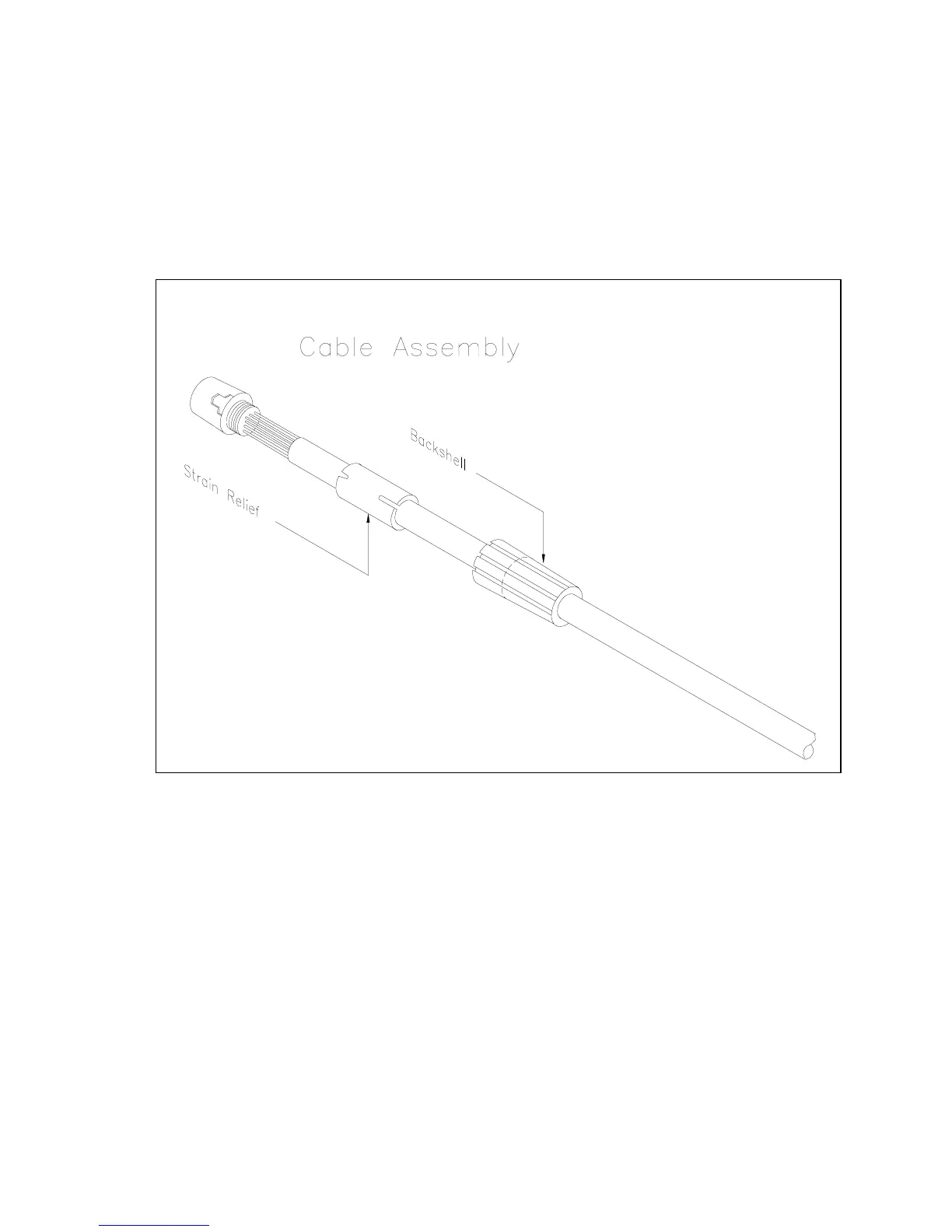
Figure 3 Cable Assembly
Turn the back shell counter clockwise until it is loose from the connector. Pull the back shell
about 12 inches along the wire. Notice that the strain relief is notched. There are four pegs in the
connector that fit into the notches in the strain relief. This connector will not fit together properly if
those pegs are not in the notches. You can carefully pull the strain relief away from the connector
to expose the wires. The wires can now be checked for proper connection.



 To Next Page