INS_NetWave_REV– 06/10/13 PAGE 45
INSTALLATION AND OPERATION MANUAL NETWAvE
TECH SUPPORT: 1.888.678.9427
11.3.3 Radio in Client Mode
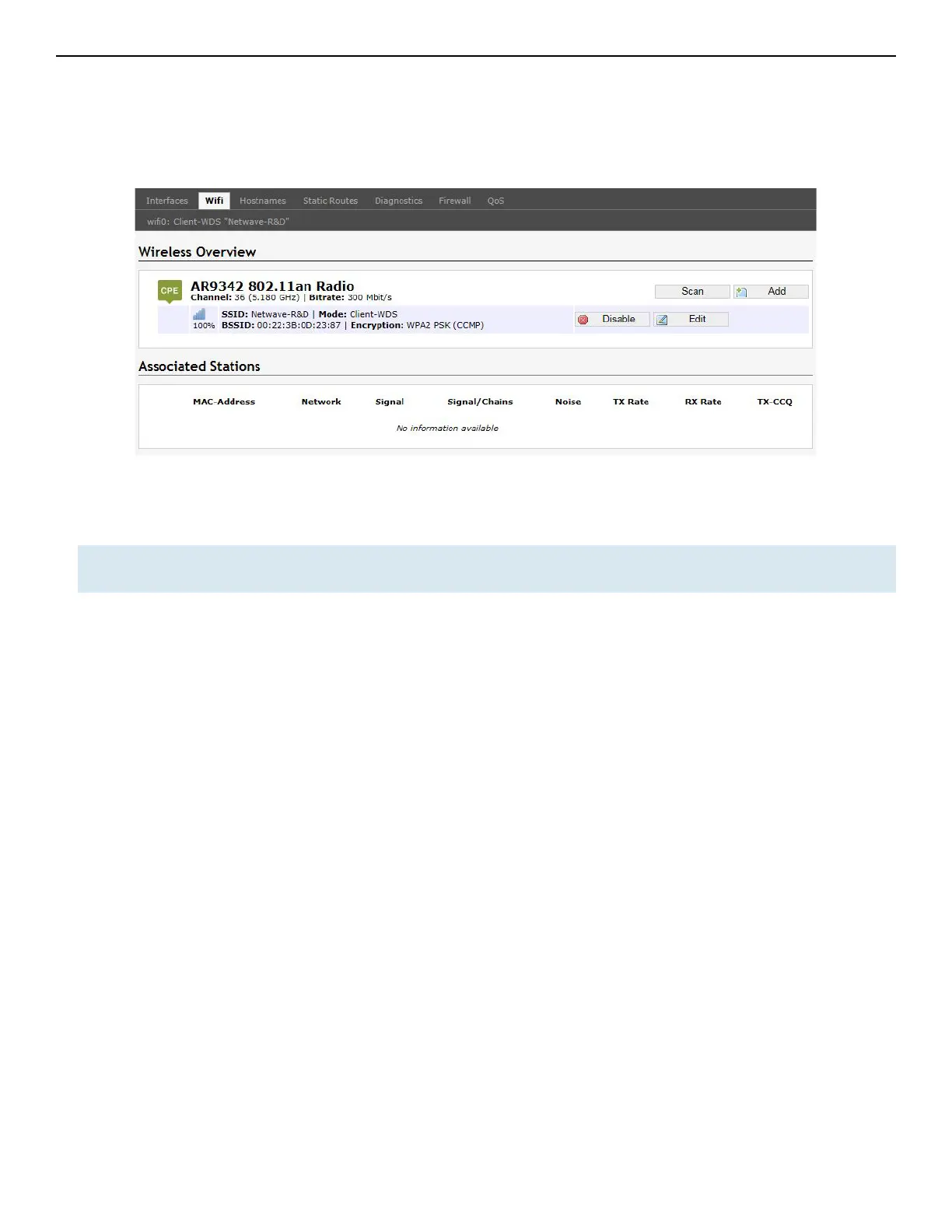
A radio can operate as a client. This can be set in the Interface Configuration » General Setup »
Mode option, after clicking on the Edit button.
Figure 39: The Wireless Overview page showing a radio as a Client (station).
The following buttons are for a radio operating as a client.
Scan Scans for available wireless networks. This button is available if the device is operating as
a client. You can then select the network to connect to.
Join Network Associates this device with the selected wireless network.



 To Next Page