. . . . . . . . . . . . . . . . . . . . . . . . .
2-4
Attaching and Detaching Procedures
Part Number; 235758-004 - Writer: Johnnie Abercrombie - Saved by; Rebecca Wiggins
Saved date: 11/05/97 1:36 PM - File Name: Ch02.doc
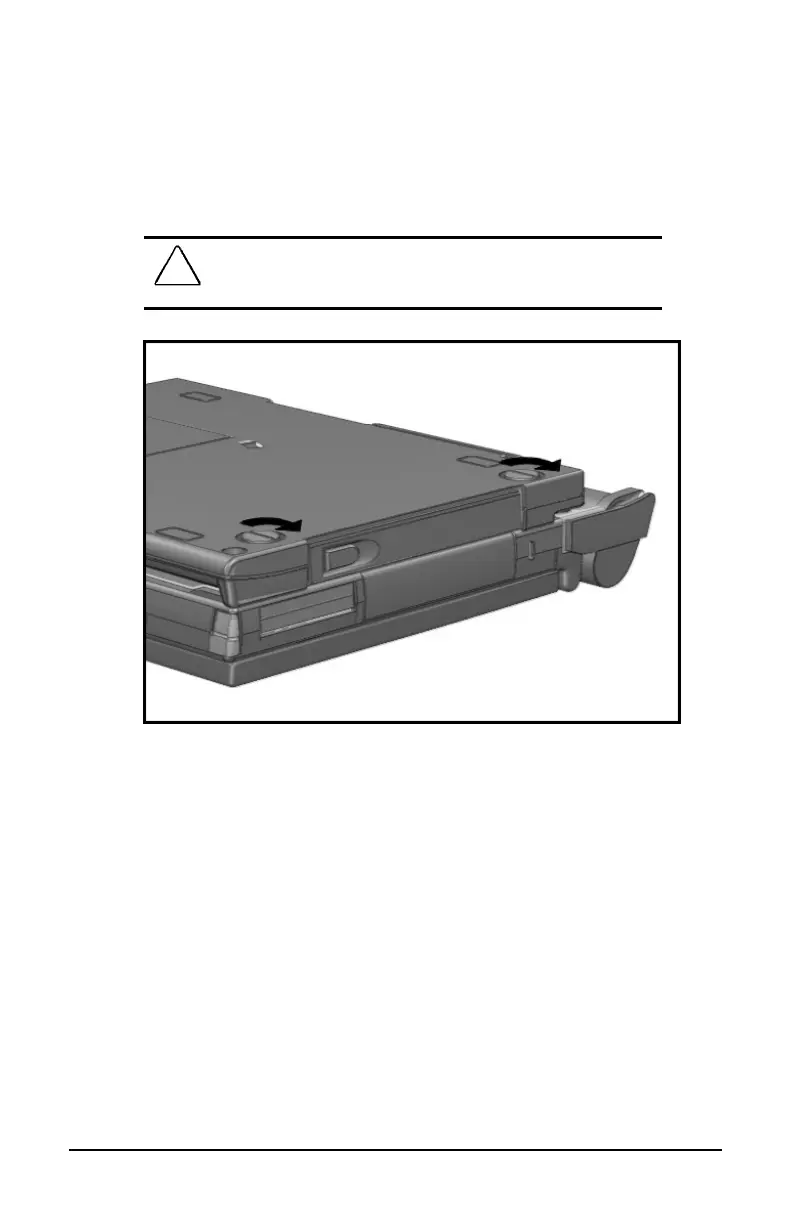
7. Turn the computer and MCD over, bottom side up.
8. Turn the two thumbscrews clockwise to securely attach the
MCD to the computer.
!
WARNING
: Failure to secure the thumbscrews to the MCD can
result in damage to the computer. Secure the thumbscrews each
time you attach the computer to the MCD.
Thumbscrew Locations
9. Turn the computer and MCD over, top side up.
10. Reconnect all external devices to the computer and MCD.
11. Turn on the computer.













 To Next Page