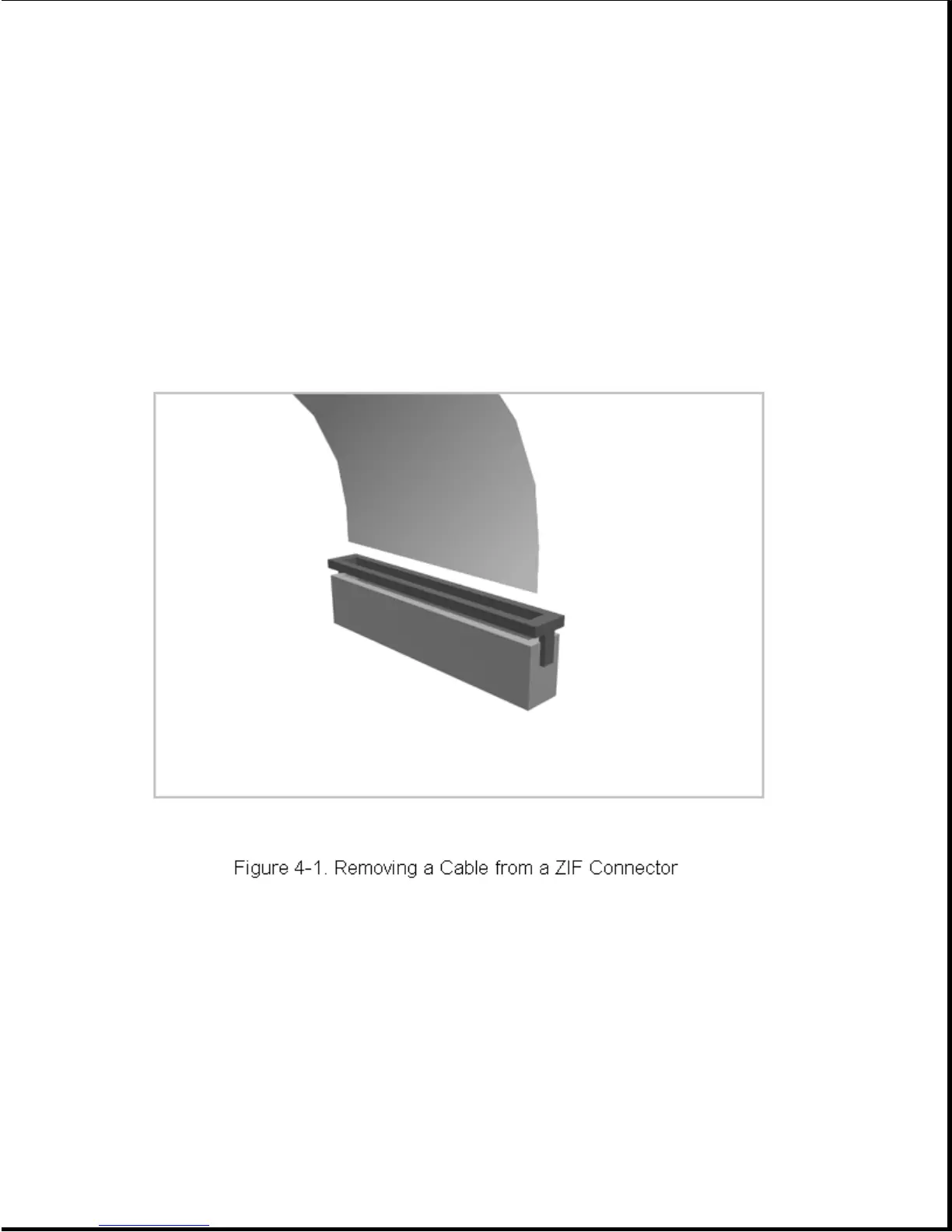
The computer uses a zero insertion force (ZIF) connector for the keyboard
cable to the system board. To remove a cable from a ZIF connector, lift
both corners of the ZIF connector slide simultaneously with constant light
force. Then remove the cable (Figure 4-1).
>>>>>>>>>>>>>>>>>>>>>>>>>>>>>>>>> CAUTION <<<<<<<<<<<<<<<<<<<<<<<<<<<<<<<<<
A ZIF connector and its attached cable can be easily damaged. Handle only
the connector slide when removing or replacing a cable. Never pull or
twist on the cable while it is connected.
>>>>>>>>>>>>>>>>>>>>>>>>>>>>>>>>>>>>><<<<<<<<<<<<<<<<<<<<<<<<<<<<<<<<<<<<<<
4.2.4 Plastic Parts
Plastic parts can be damaged by the use of excessive force during
disassembly and reassembly. When handling the plastic parts, use care. Use
a bezel removal tool to separate plastic components. Apply pressure only
at the points designated in the maintenance instructions.



 To Next Page