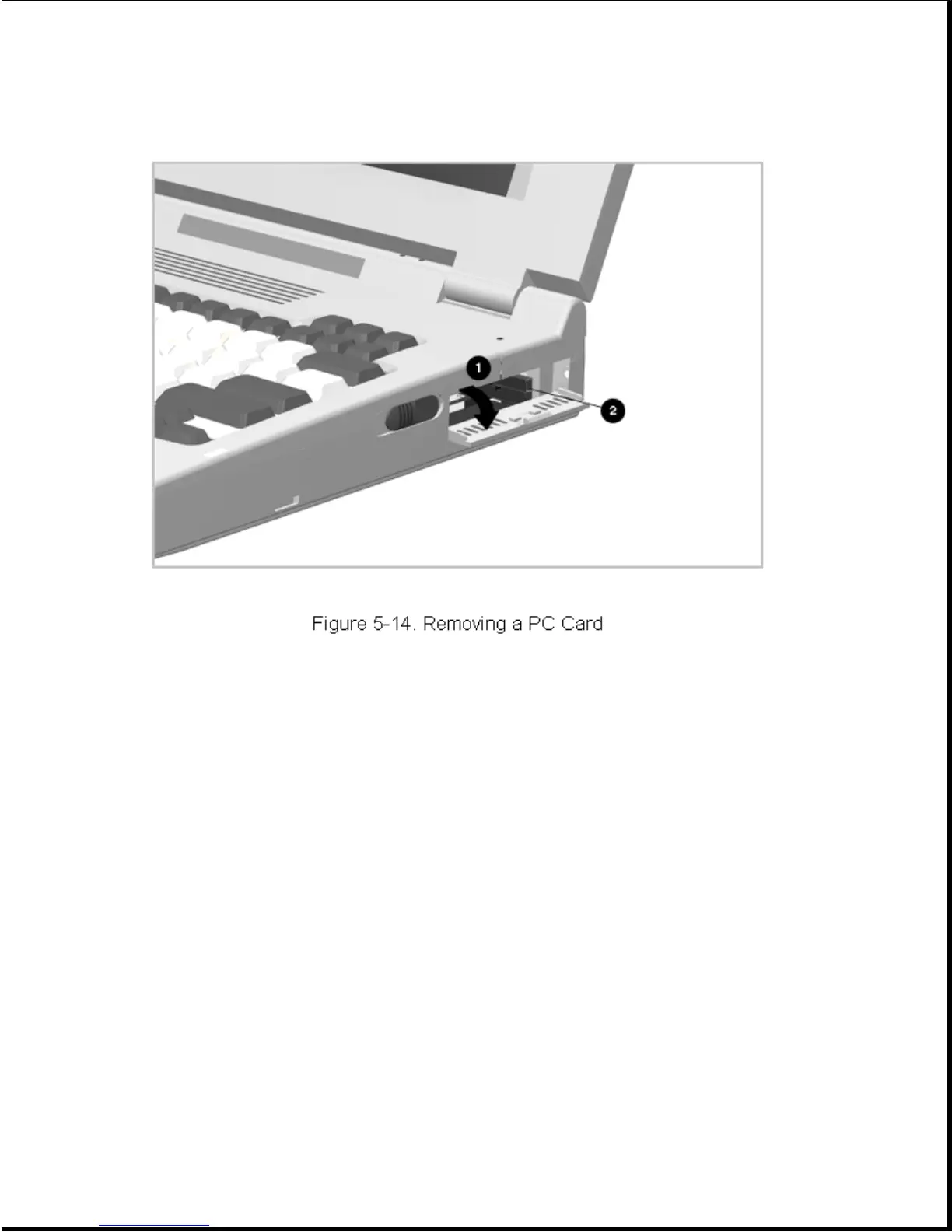
To install a PC Card, open the PC Card door, insert the card into the
slot, and press firmly until it is seated.
Chapter 5.4 External Computer Components
This section describes the removal and replacement procedures that do not
require access to the internal components of the computer. This includes:
o Computer logo
o Computer feet
o Connector cover
o Auxiliary battery compartment door
o Memory expansion board
o EasyPoint II pointing device
o Hard drive bay door
o PC Card door
5.4.1 Computer Logo









 To Next Page