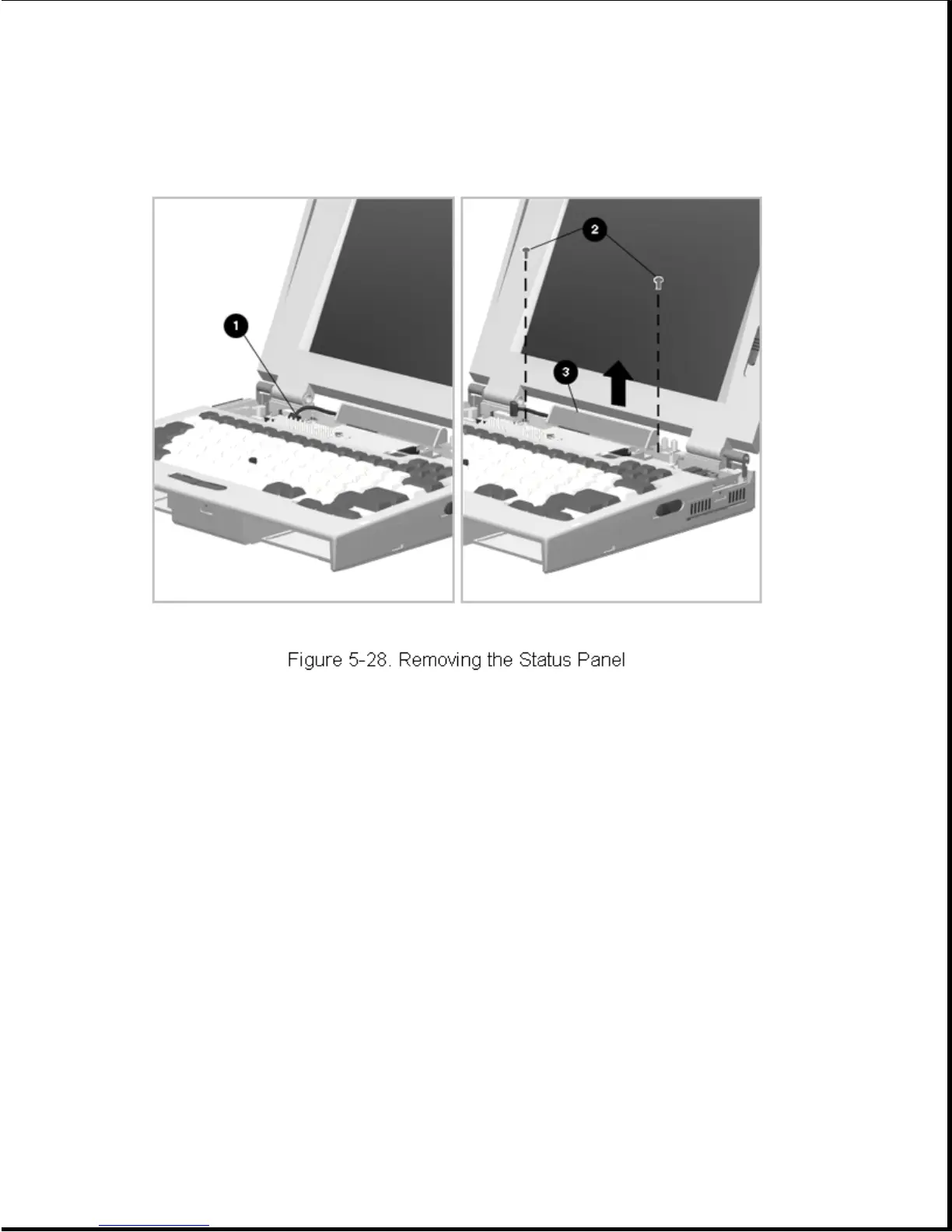
4. Remove the two status panel screws [2] (Figure 5-28).
5. Lift the status panel [3] out of the computer.
Reverse the above procedure to install the status panel, taking care to
route the cable properly.
Chapter 5.8 Display Assembly
Maintenance of the display assembly includes replacement of the following:
o Display assembly
o Display bezel with speakers
o Latch assemblies
o Clutch assemblies
o Brightness/contrast control actuators









 To Next Page