2. Place the PC Card in the tracks with the card connector to the inside
and label up.
3. Slide the card in until it seats. The door remains open while the card
device is connected.
Chapter 6.4 External Components
This section describes the removal and replacement procedures that do not
require access to the internal components of the expansion base. This
includes:
o Feet
o MPEG Connector Door
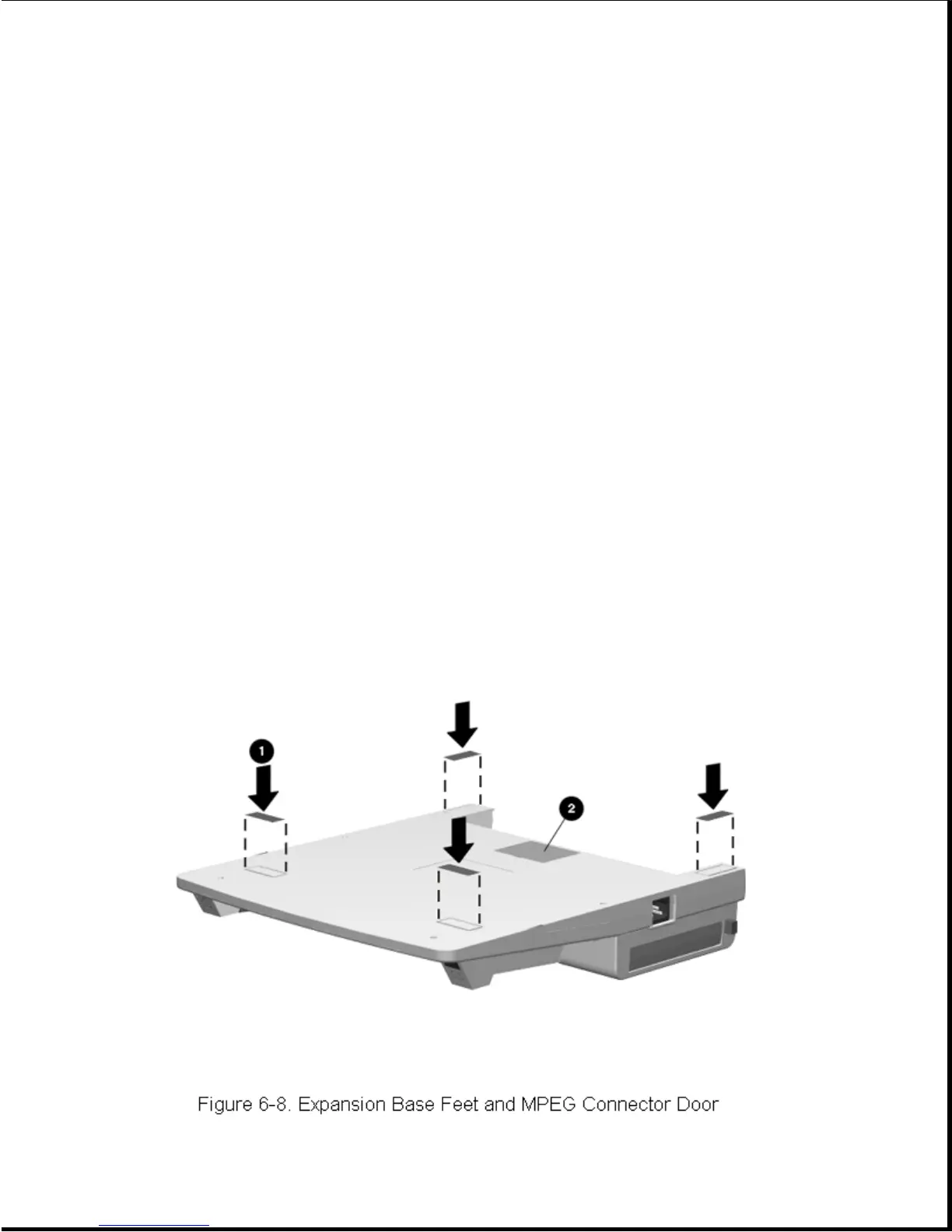
6.4.1 Expansion Base Feet
The feet [1] for the expansion base are rectangular, adhesive-backed
rubber pads. Install the feet by removing the protective covering from the
adhesive back and placing the feet in their positions on the bottom of the
expansion base (Figure 6-8).









 To Next Page