side of the MultiBay and push the drive into the bay until it is
seated.
6.3.5 PC Card
All PC cards should be removed from the expansion base before performing
any internal maintenance on the computer.
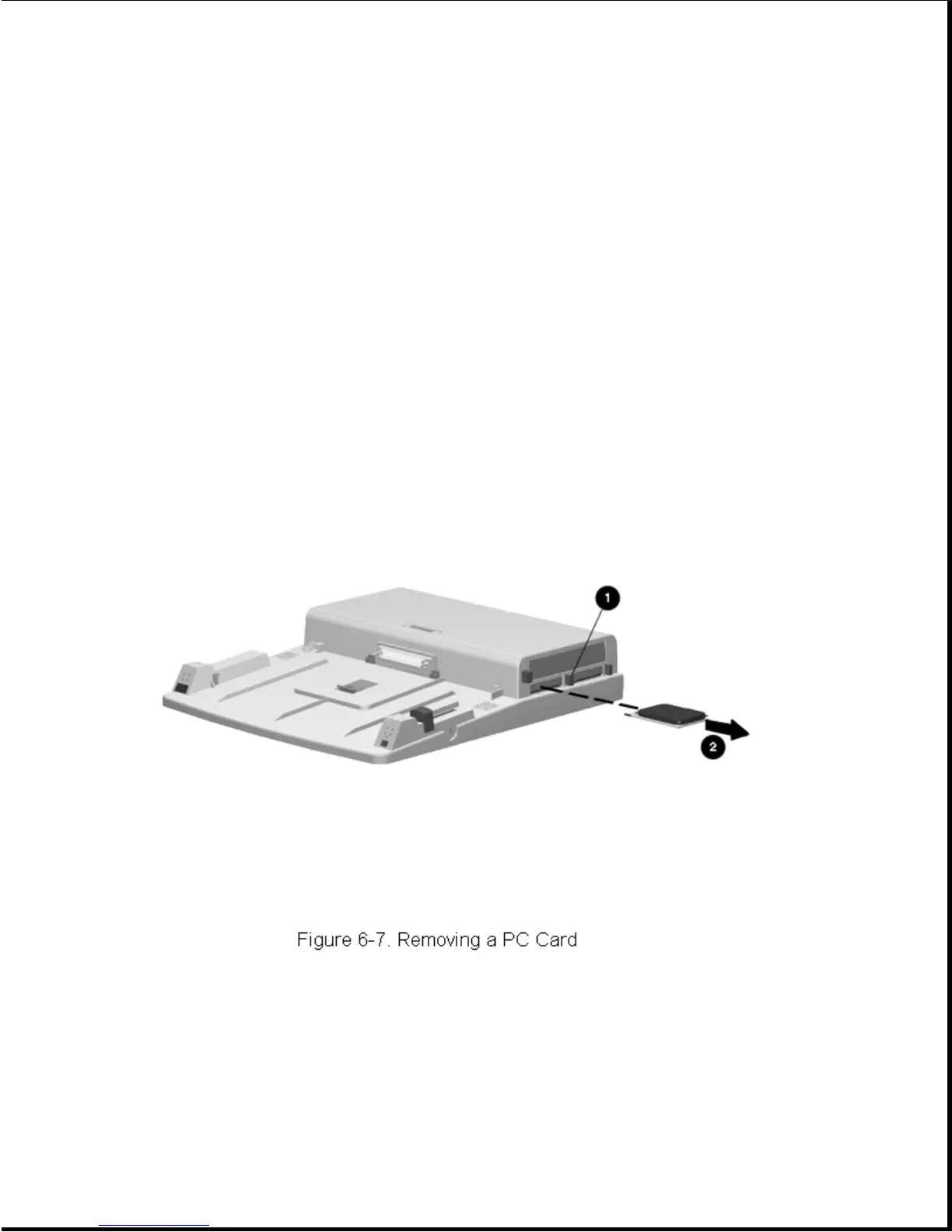
Removing a PC Card
To remove a PC Card, complete the following steps:
1. Push the PC Card release button [1]. The card [2] ejects out of the
card slot (Figure 6-7).
2. The PC Card door automatically closes after removing the card.
Installing a PC Card
To install a PC Card, complete the following steps:
1. Push open the PC Card door so you can see the tracks inside.









 To Next Page