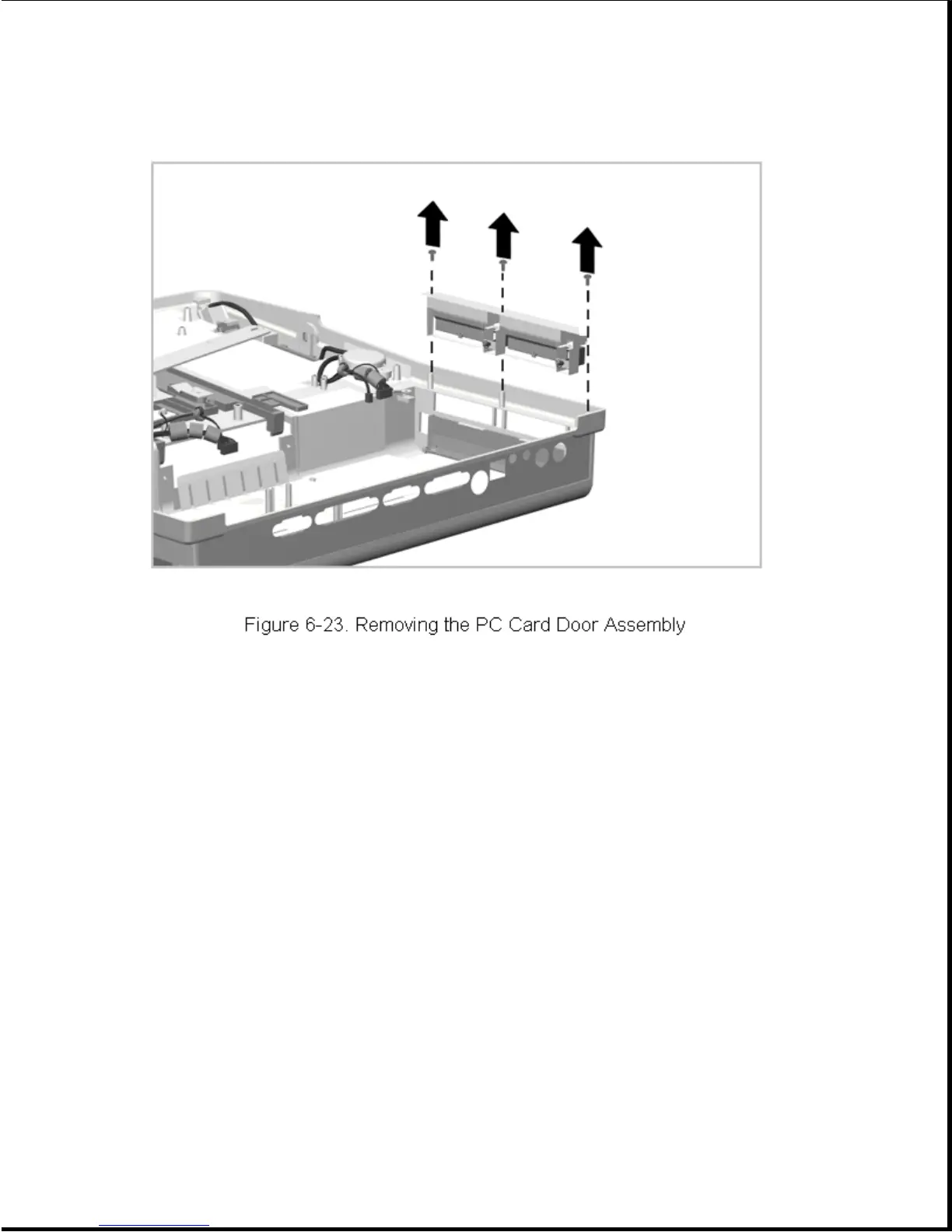
Reverse the above procedure to install the PC Card door assembly.
Chapter 6.13 Power Switch Board
The bottom cover assembly must be removed before removing the power switch
board. The power switch board is installed as a unit with its cable
permanently attached.
To remove the power switch board, complete the following steps:
1. Prepare the expansion base for disassembly as described in Section 6.3.
2. Remove the bottom cover as described in Section 6.5.
3. Disconnect the power switch board cable and ground wire from the main
board (Figure 6-24).









 To Next Page